RUBY 10 Advanced Features and Functions 65
Go to the Document tab for files with these extensions: DocX, PDF, RTF,
and TXT. A multi-page file has a VCB (Vispero Compressed Book)
extension. Icons represent the file type.
Select the file on the Files screen, then tap the Open button. See the
Image Files or Document Files
sections that follow to learn how to edit a
file.
Note: You can select and open only one file at a time.
Image Files
When you open an image file, tap the screen to display the buttons. Tap a
button to make changes to the image.
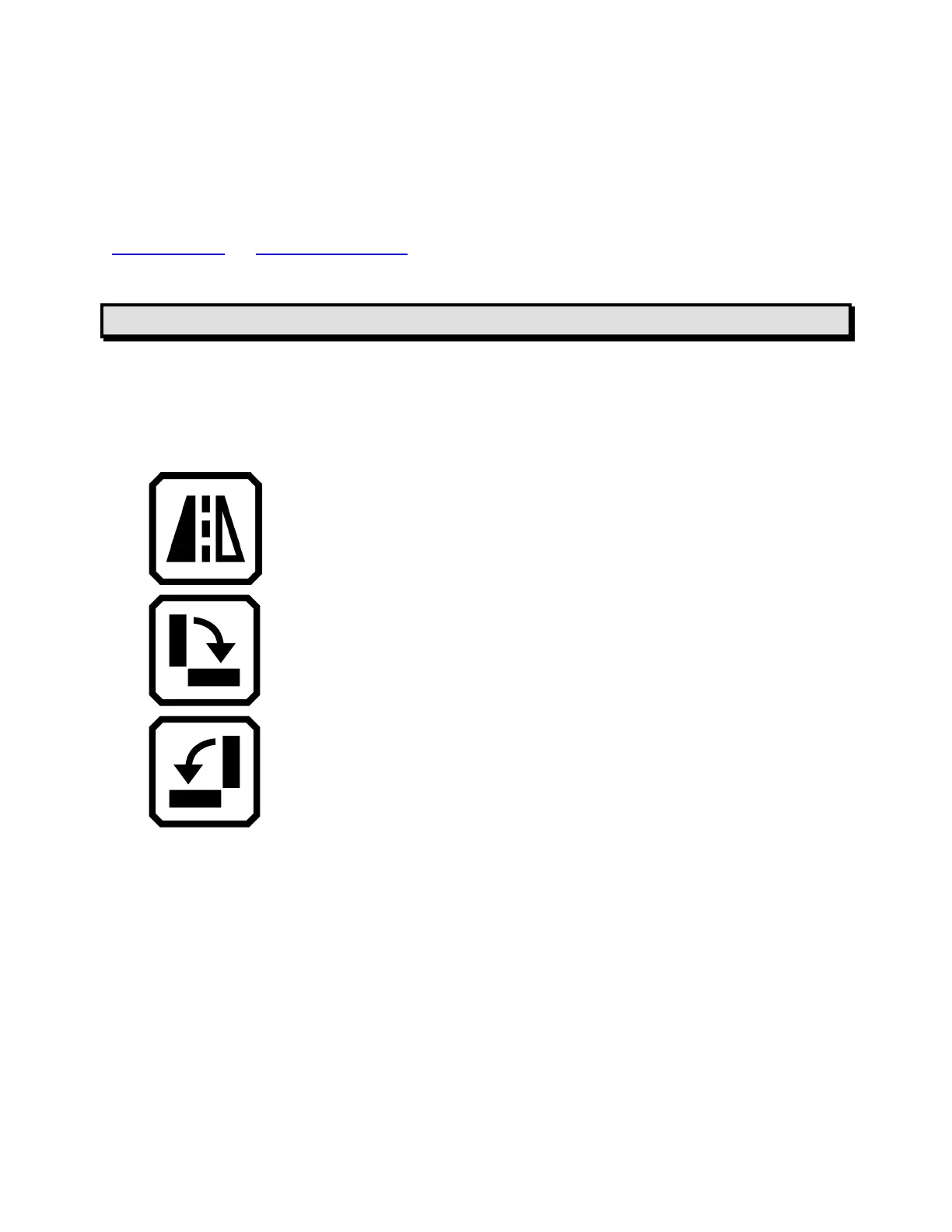
Flip the image.
Rotate the image clockwise 90 degrees.
Rotate image counterclockwise 90 degrees.
Document Files
When you open a document that was captured on RUBY 10, the document
is read using the same reading language and voice that was set when you
saved the file.
If the language is the same as the default reading language but the voice is
different, the default voice is used. If the language is available but the voice
is not, the voice closest to the missing one by locale and gender is used.



 To Next Page