RUBY 10 Advanced Features and Functions 39
5. Optionally, select the best color combination using the blue Color Mode
button, and increase or decrease magnification using the yellow Zoom
In/Out buttons.
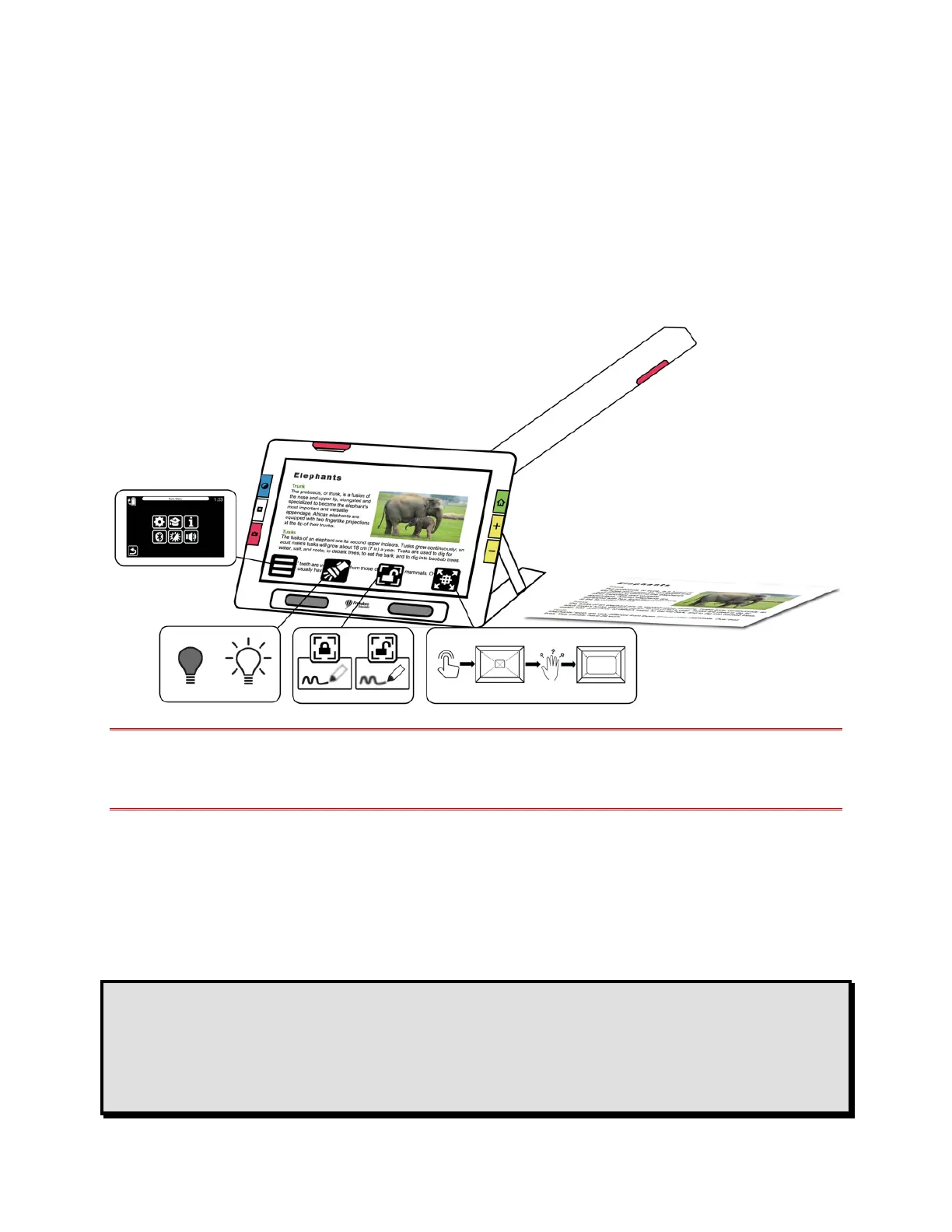
6. Optionally, tap the screen to show the available icons. These icons
enable you to display the Main Menu, turn on/off the Light,
enable/disable focus lock, or position the object under the camera using
the crosshairs that display (left to right in the following illustration).
7. RUBY 10 Speech only: Perform text recognition of a document and have
it read to you by pressing and holding the red Camera button for one
second (longer than when you take a snapshot).
Reading
Place your page to the right of the device until it fills the screen. Press the
red Capture button for about one second until the screen displays a
camera. The text is recognized and read to you.
Tip: If your document is not read to you, check your volume level and
ensure your reading language is set correctly. If the text seems to
be read inaccurately, try repositioning the document or improving
the lighting in the environment. You can also use edge effects to
make the lighting more even.



 To Next Page