RUBY 10 Advanced Features and Functions 1
Getting Started
To get started, follow the instructions in this section for charging the device
and using it for the first time.
Charge RUBY 10
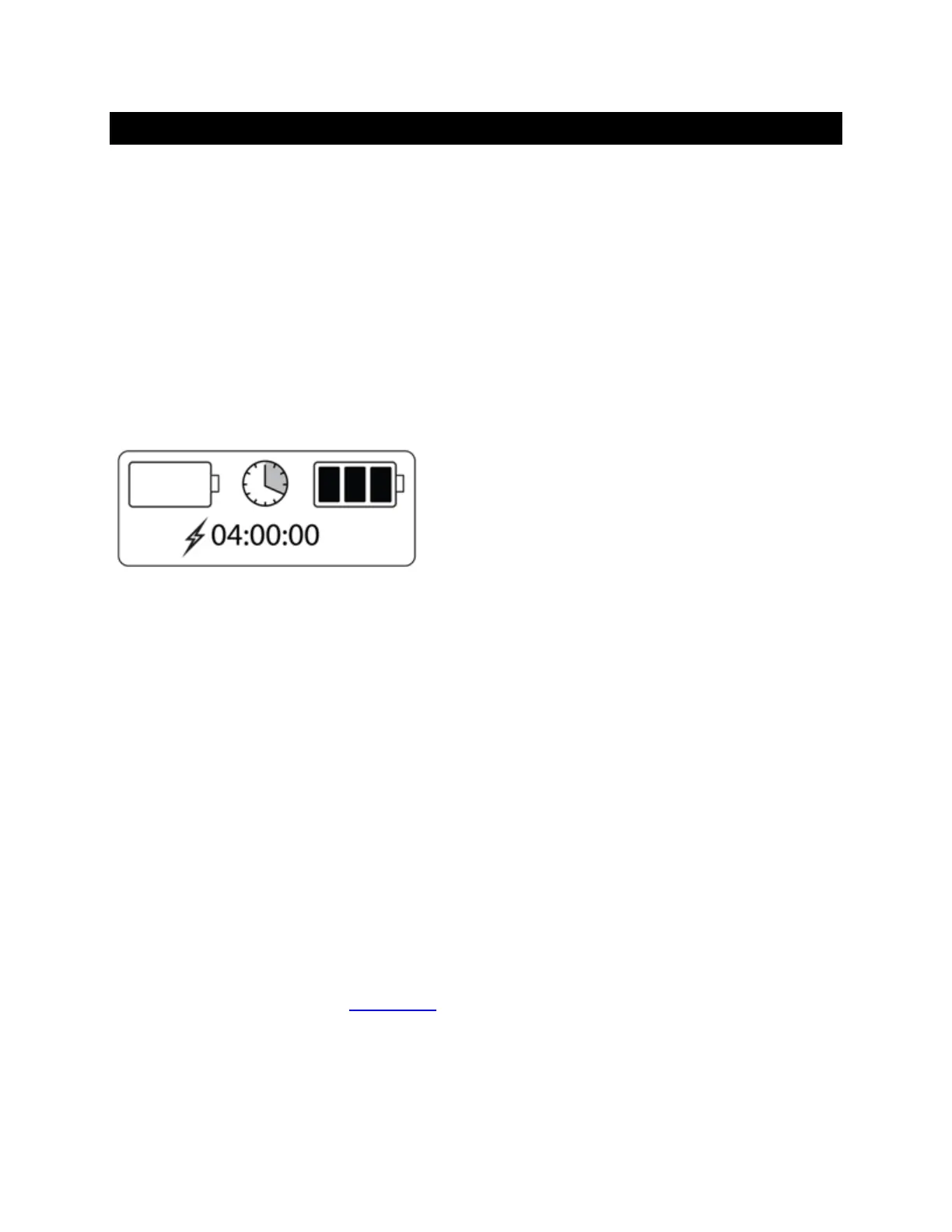
Fully charge RUBY 10 before using it for the first time. It takes about four
hours to fully charge the device. Anytime the charging LED light on the left
side of the device is red, the battery needs to be charged. You can work
when the LED is solid red, which means that the battery is charging.
However, it is best to leave it plugged in until the light turns green.
The light turns green when the battery is fully charged. With a fully charged
battery, you can use the device for about three hours without it being
plugged in. It is best to charge it whenever possible.
To charge RUBY 10:
1. Insert the USB Type C cable into the USB-C slot on the left side of the
device.
2. Attach the power adapter to the USB-C cable, and plug the power
adapter into an electrical outlet. You can alternately insert the cable into
a computer without using the adapter, but this charging method is
slower.
3. Power on RUBY 10 by pressing the orange Power button on the left side
of the device.
4. See the next section, First Use
.



 To Next Page