RUBY 10 Advanced Features and Functions 19
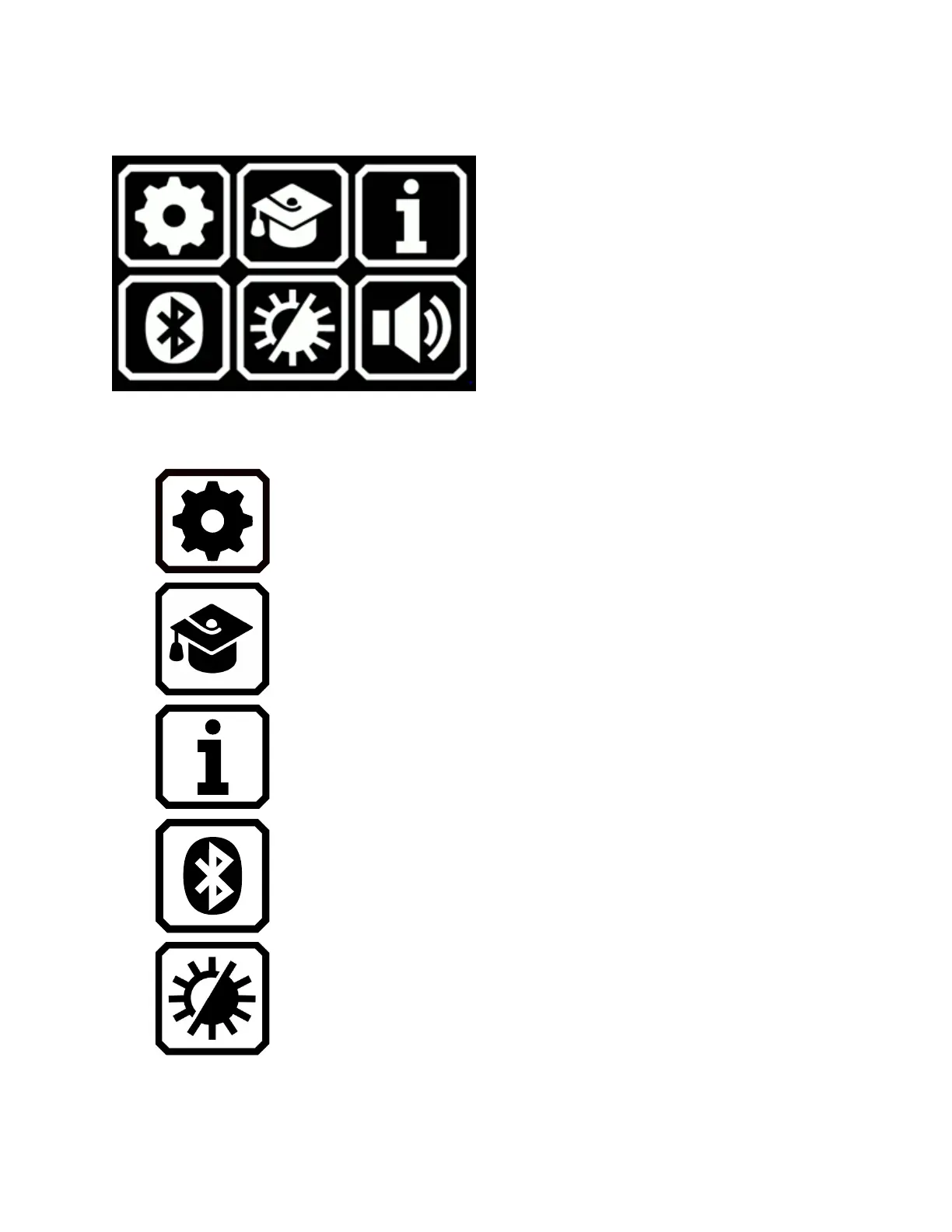
Default Mode Main Menu
Tap any of the six icons on the Main Menu in Default mode to perform
these functions:
Display the Settings Menu.
Go from Default mode to Advanced mode, which
is more difficult to use but has more functionality,
including multipage document scanning, file
management, and Miracast.
Display facts about your device, including
software version, product serial number, and
technical support contact information.
Connect to Bluetooth using a wireless connection.
Change the visual properties to improve the
image on the screen.



 To Next Page