14 RUBY 10 Advanced Features and Functions
On-screen Buttons
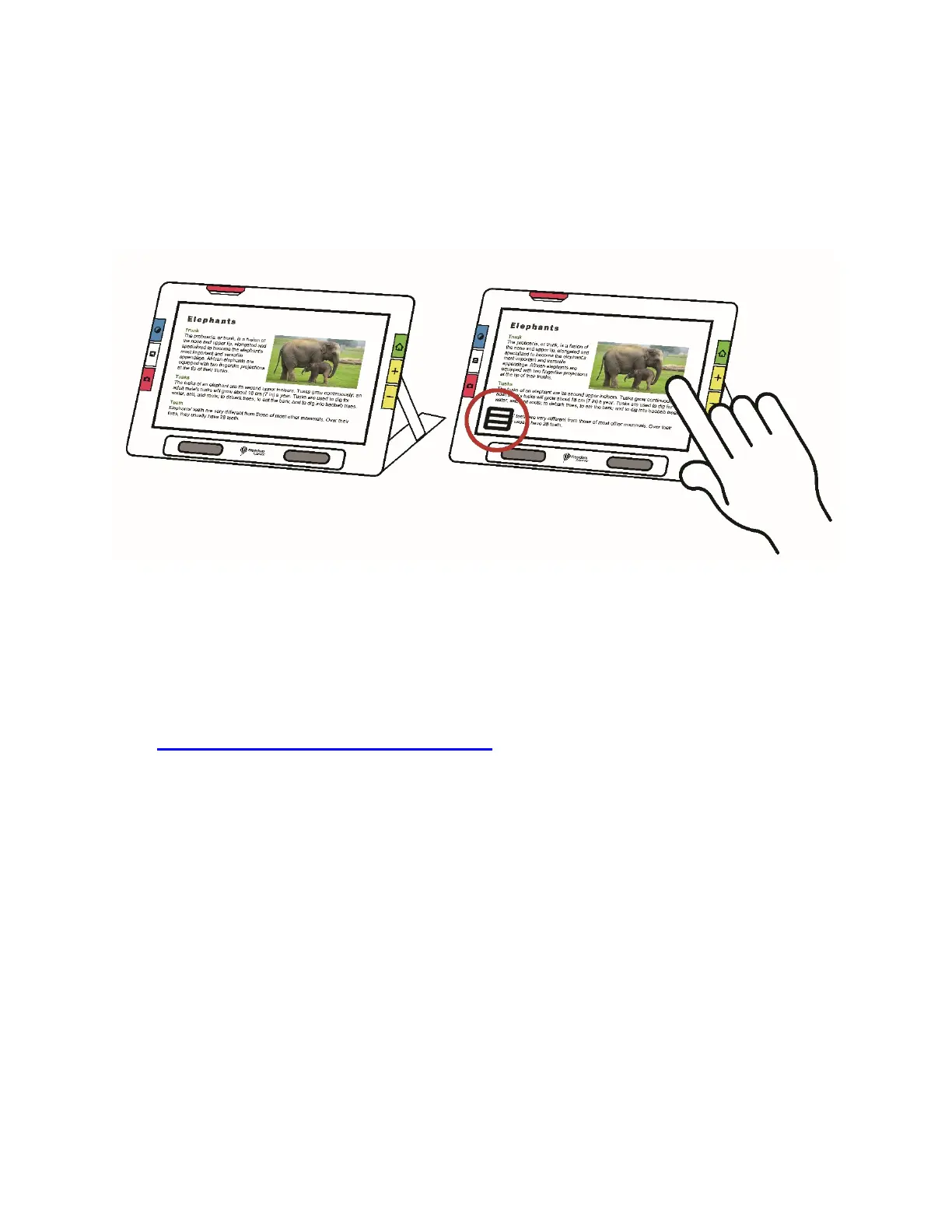
Touch the screen to display the on-screen buttons. These buttons take you
to menus and screens where you can configure the device to best meet
your needs.
The buttons displayed depend on your view. Buttons are described in
applicable sections. For example, the buttons displayed when you open a
file are described in the Managing Files section.
The available buttons also are dependent on whether you are in Default
mode or Advanced mode. More capabilities are offered in Advanced mode.
See Default Mode and Advanced Mode
to learn how to use these modes.



 To Next Page