RUBY 10 Advanced Features and Functions 81
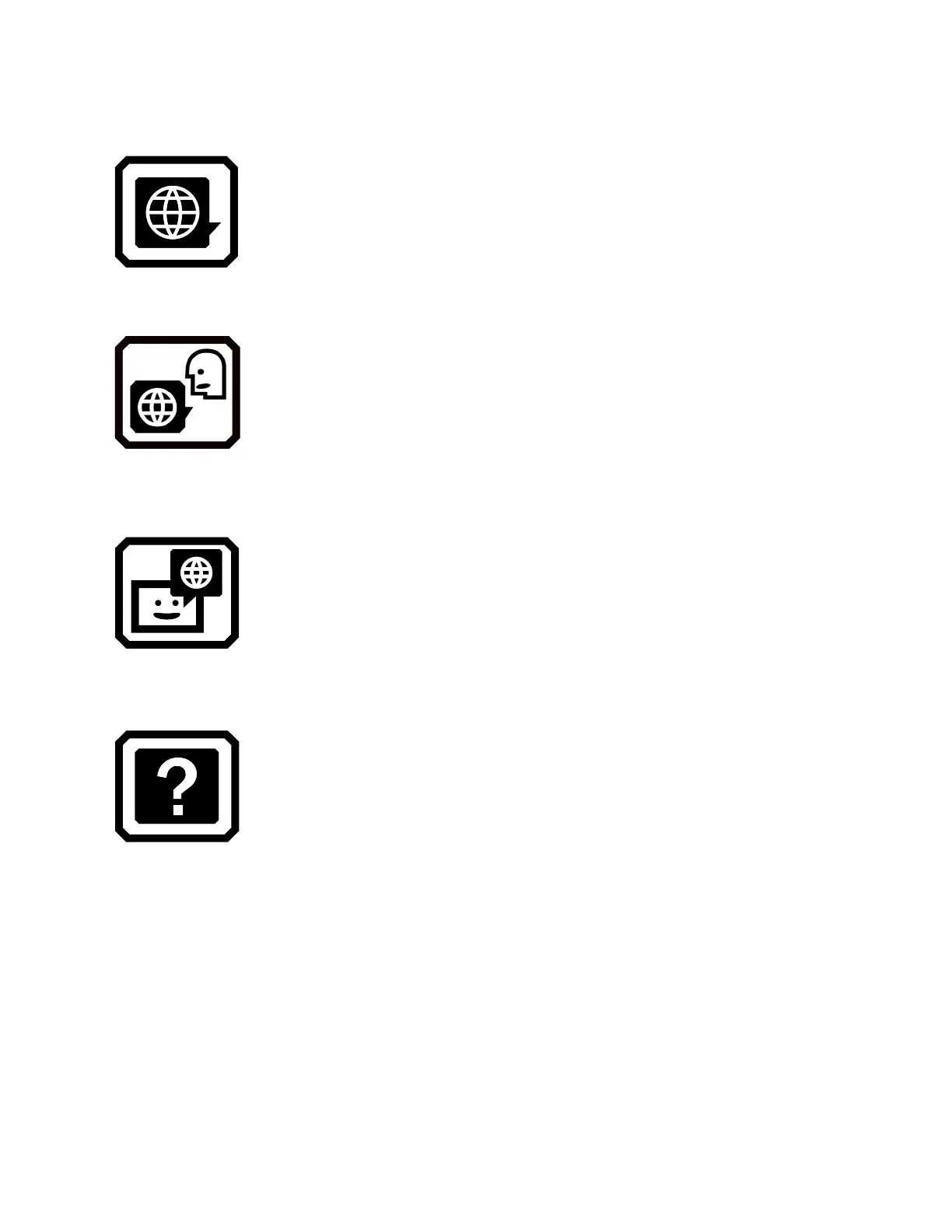
Language Menu
Displays screens for setting the menu language and
the reading language. Also takes you to a screen for
determining whether the help text is available and
narrated.
Reading Language
Displays the Reading Language screen. Using the
Language tab, select the language used to perform text
recognition when you scan a document. Tap the Voice
tab to select the voice used to narrate the recognized
text in document files.
Menu Language
Displays the Select Menu Language screen. Using
the Language tab, select the language used to display
the menus, screens, messages, and help text.
Optionally, tap the Voice tab to select the voice used to
narrate the user interface while you move around the
system.
Help Text
Displays the Help Text screen, which enables you to
view and/or listen to text describing the hardware
button or software control after you press and hold it for
three seconds.



 To Next Page