38 RUBY 10 Advanced Features and Functions
To use the Full-page camera:
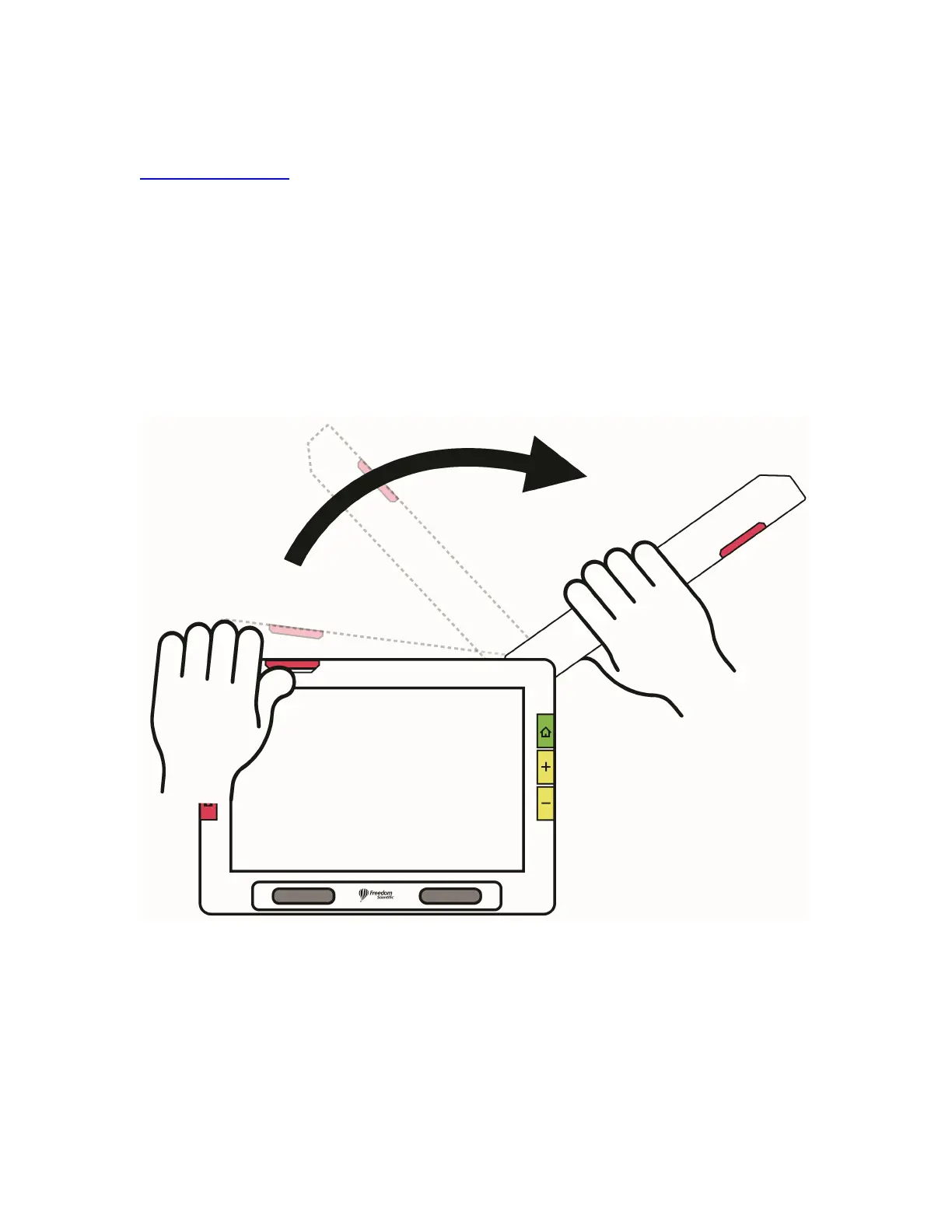
1. Open the stand.
2. Fully extend the camera arm.
a. Push up on orange tab at top of unit until the camera arm begins to
slide out.
b. Pull up to extend the camera arm.
c. Continue pulling to the right until the camera arm is fully extended.
The arm must be fully extended to use the Full-page camera.
3. Lay your document flat on the desk to the right of the device beneath the
camera.
4. Move the document as needed to fit the content in the gray camera
frame. For hobbies, hold objects at a comfortable distance in front of the
camera. For writing, you can watch your hands on the display.



 To Next Page