RUBY 10 Advanced Features and Functions 9
RUBY 10 S PEECH ONLY
A long press of the Capture button saves a page, recognizes the text on it,
and has it read to you
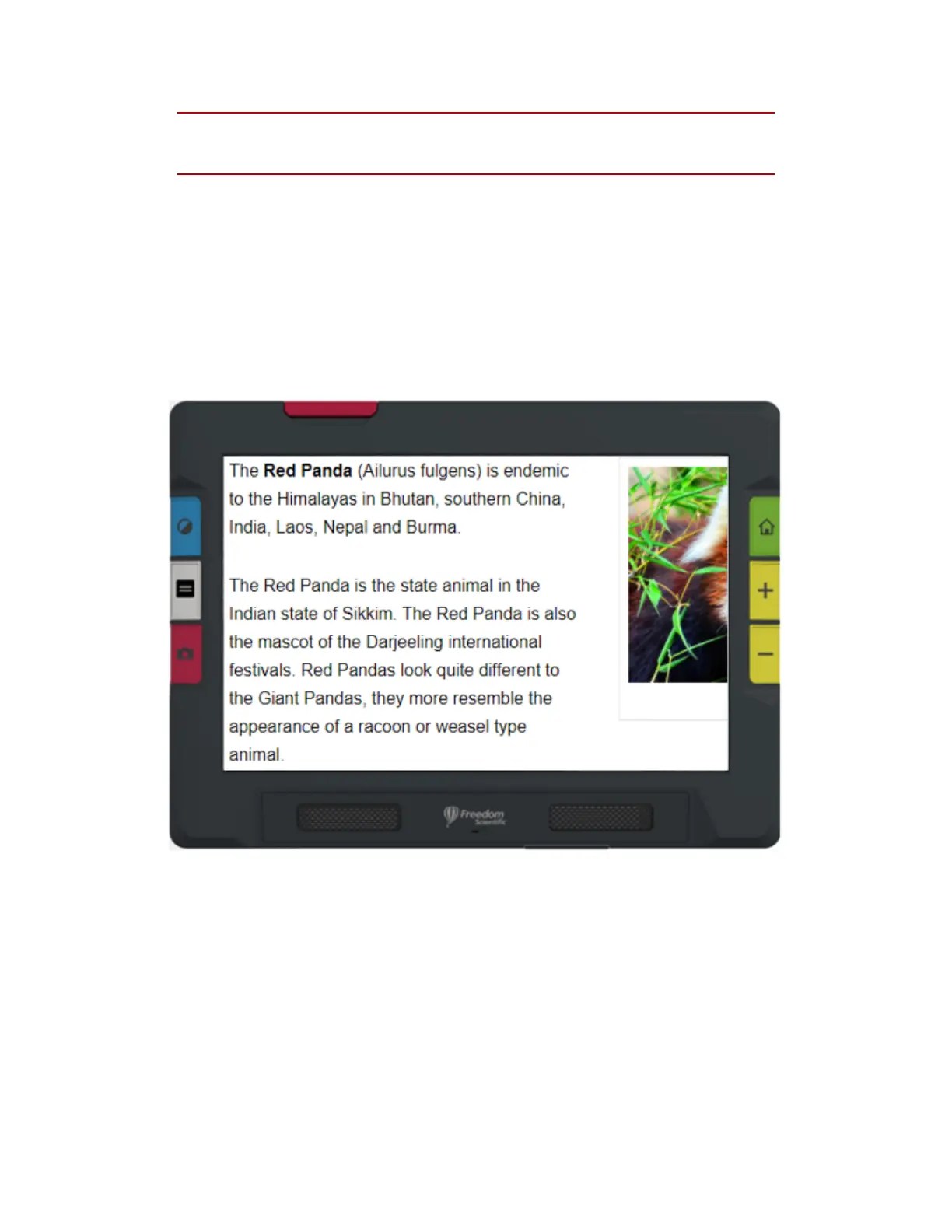
When viewing text that has been captured and scanned, or when viewing
an imported document file (RTF, PDF, or DocX), you are in Document
view. Document view includes Image, Teleprompter, or Tickertape mode.
Examples are provided below.
Example of Image mode



 To Next Page