RUBY 10 Advanced Features and Functions 77
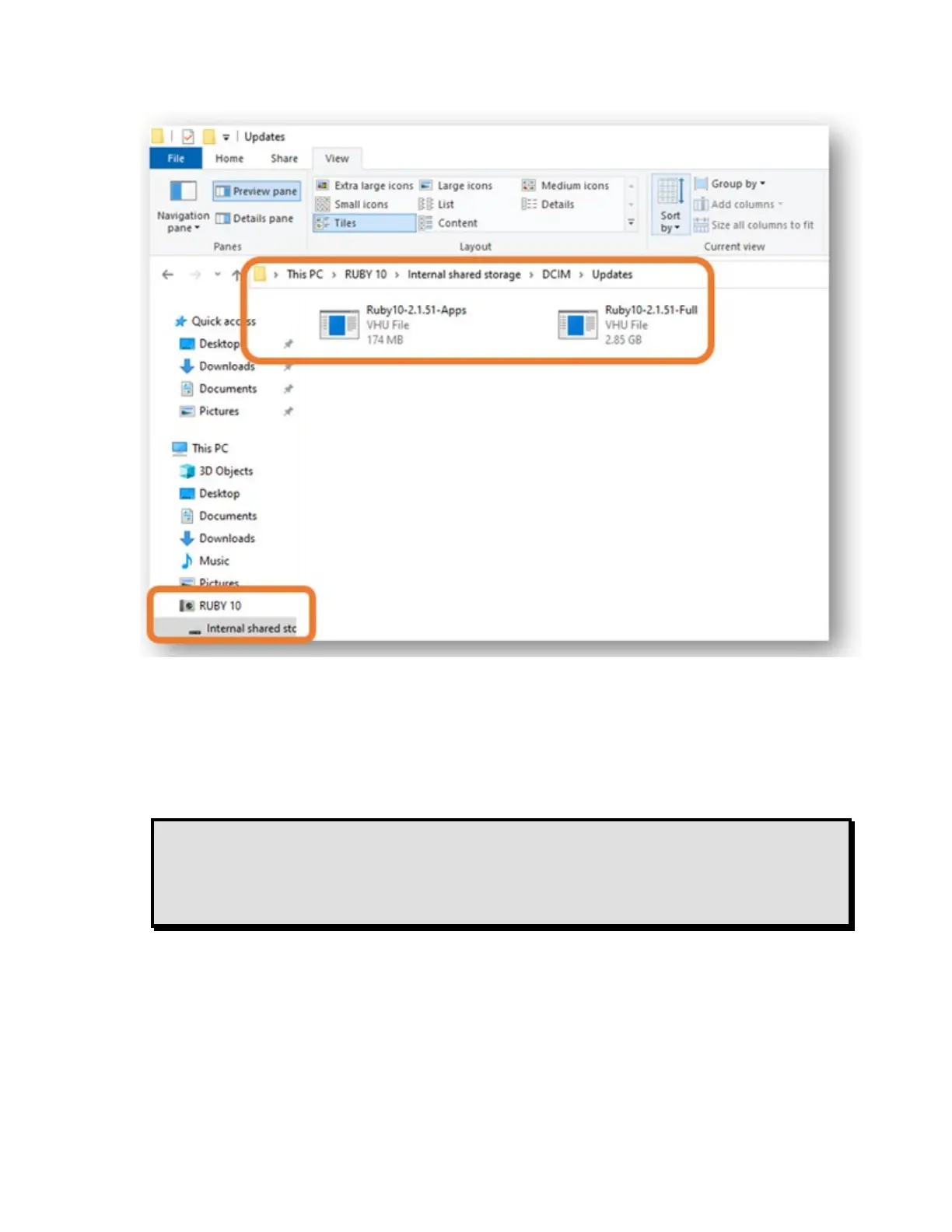
5. Select the file and tap the Update button.
6. After a successful update, a confirmation message displays. Tap OK
and the system automatically restarts. The VHU file used to update the
device is automatically deleted from the RUBY 10.
Note: Rarely, an Invalid Configuration screen with an Update
button displays. If this happens, copy the VHU file onto a
USB-C flash drive, insert it into the RUBY 10 USB port, and
tap the Update button on the Invalid Configuration screen.



 To Next Page