RUBY 10 Advanced Features and Functions 21
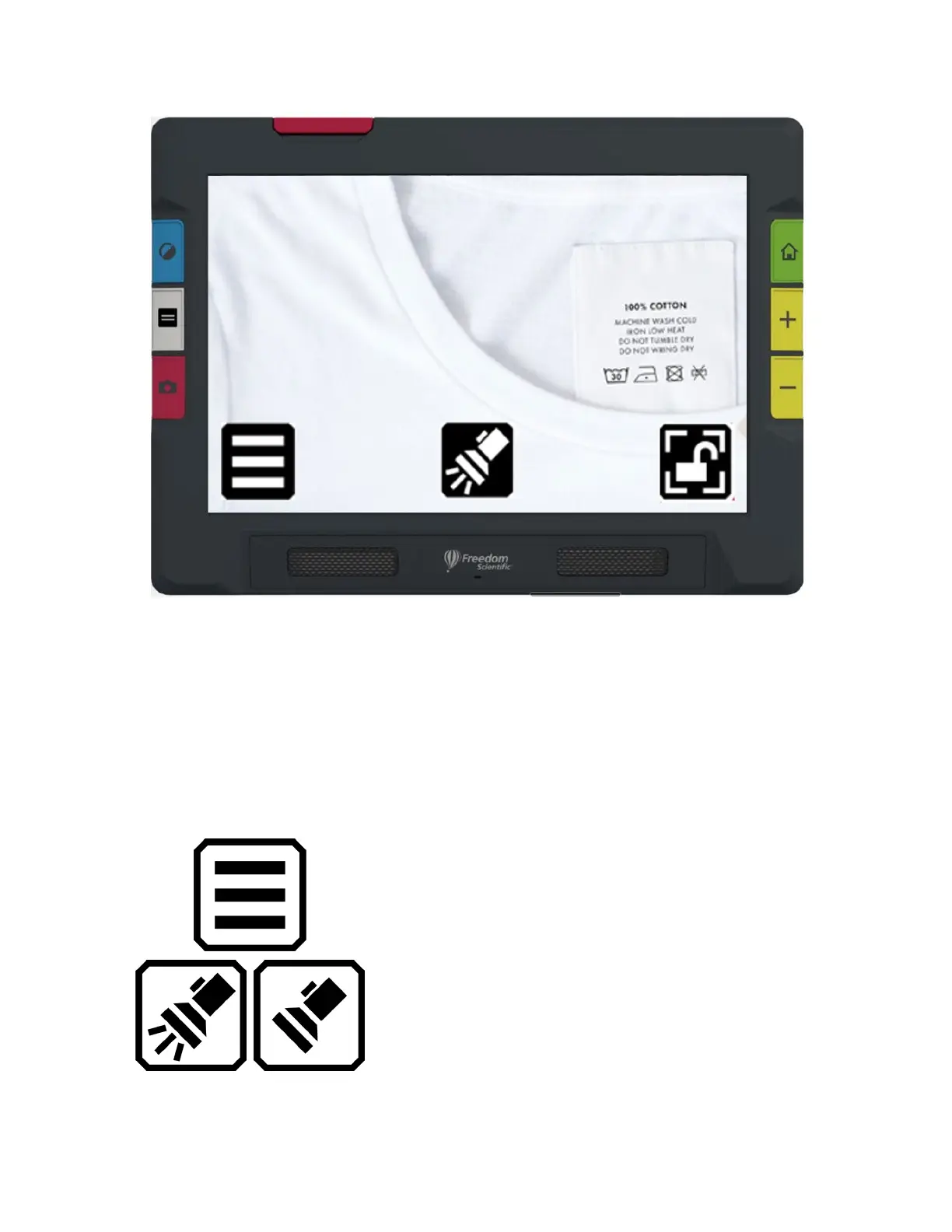
Sample showing the buttons that display while using
the Overview camera in Default mode
Full-page Camera
When you tap the screen while in Default mode using the Full-page
camera, these buttons are displayed: Main Menu, Light On/Off, Focus
Lock On/Off, and Positioning.
Display main menu.
Toggle the light on or off as needed to use
the device more efficiently.



 To Next Page