28 RUBY 10 Advanced Features and Functions
Full-page Camera
When you tap the screen while in Advanced mode using the Full-page
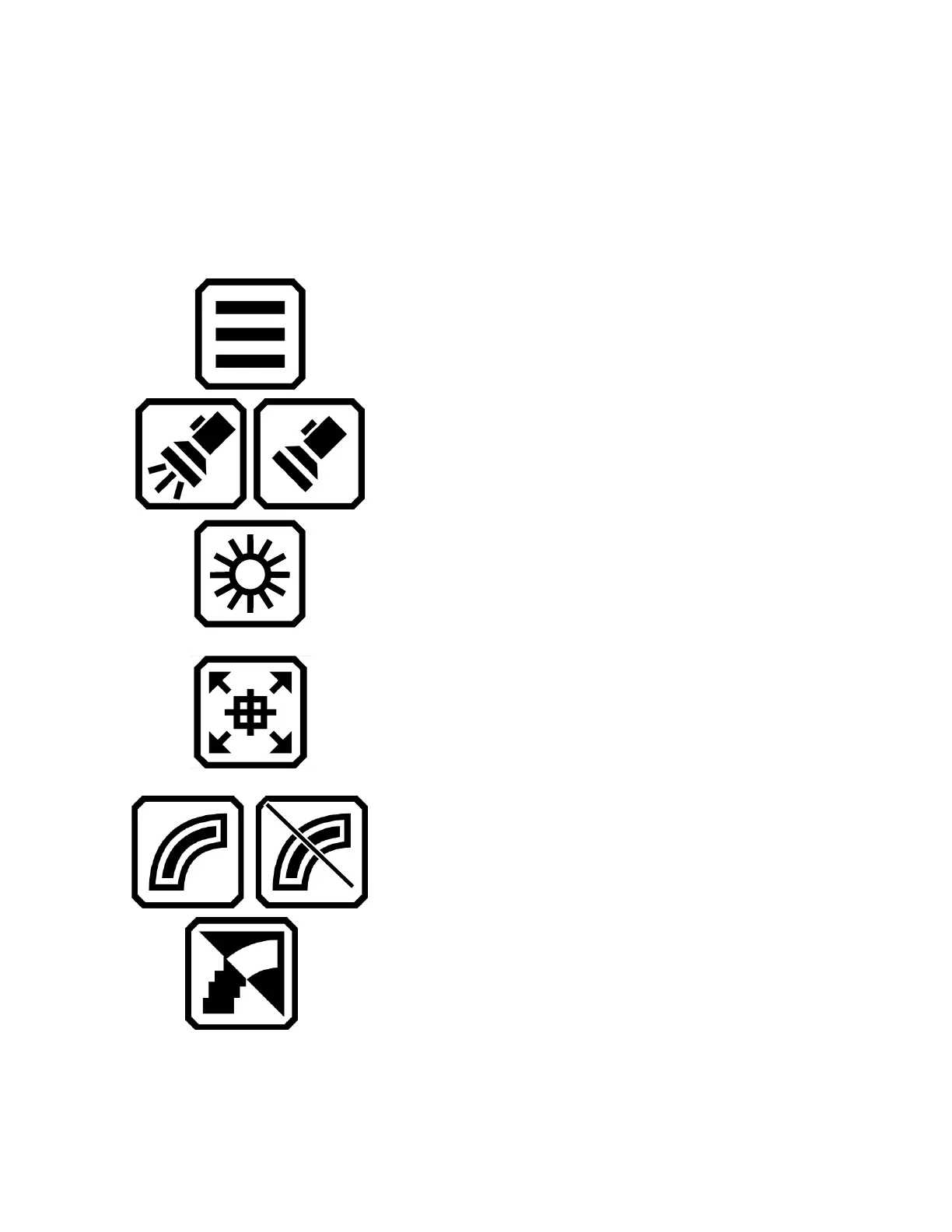
camera (both the stand and the camera arm are extended), these buttons
are displayed: Main Menu, Light, Brightness, Positioning, Edge Effects,
Focus Lock, and Dynamic Contrast.
Display main menu.
Toggle the light on or off as needed to use
the device more efficiently.
Increase or decrease brightness level of the
RUBY 10 display in real time by moving the
slider up or down.
Press and hold to zoom out and display
crosshairs on the screen to help you
reposition the object under the camera.
Release to return to the previous
magnification level. You can also use it to
hone on a distant object.
Smooth and highlight edges. When
disabled, a diagonal line is displayed across
the button.
Smooth edges. High contrast color
combinations only.



 To Next Page