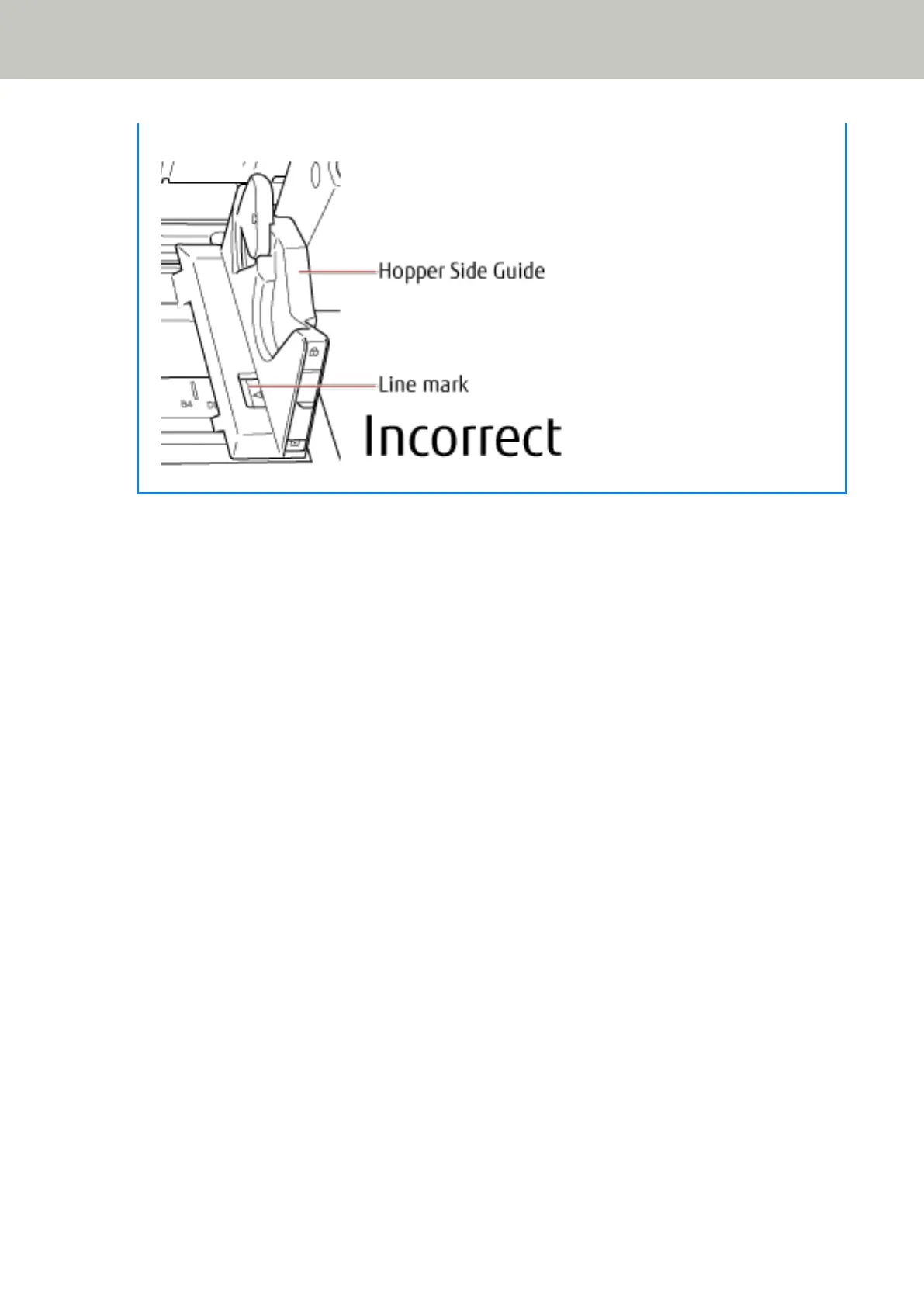
● Bad example
3 Adjust the stacker extension to the document length, and pull up the paper stop.
For information on how to set the stacker, refer to Setting Up the Stacker (page 33).
4 Scan documents with the image scanning application.
For details, refer to the manual or help of the image scanning application.
How to Load Documents
52


 To Next Page