1. BASIC OPERATION
1-3
Turn off the power
Press and hold down the key until the screen turns off. The following count-
down window appears until the power goes off.
1.3 How to Adjust the Screen Brilliance/Key Dimmer
You can adjust the screen brilliance and key dimmer as follows:
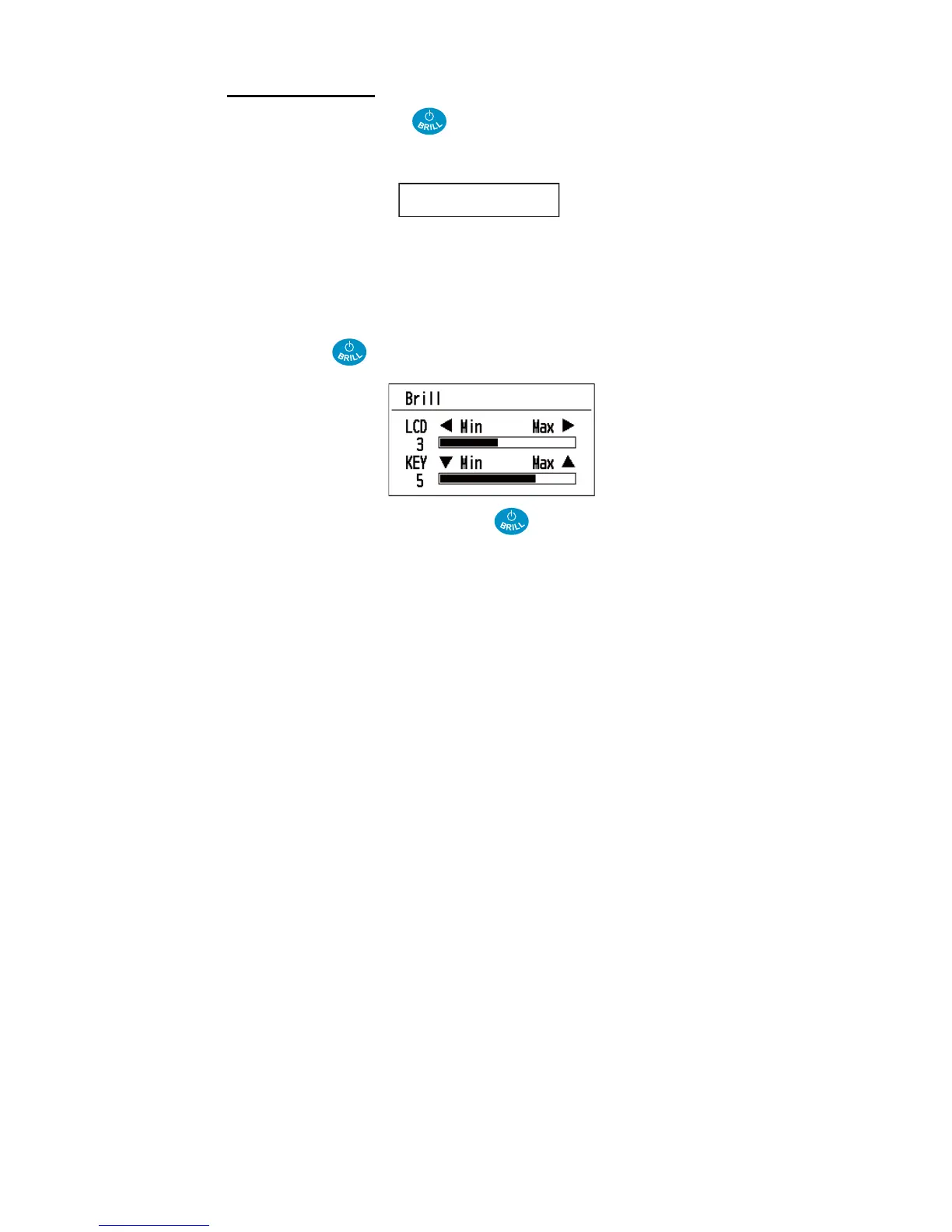
1. Press the key momentarily to show the [Brill] window.
2. For the LCD brilliance, press the key or use the Cursorpad (W or X) to ad-
just.
For the key brilliance, use the Cursorpad (S or T) to adjust.
3. Press the MENU key to close the window.
Turn Off in 3s.



 To Next Page