3. CUSTOM SCREEN
3-16
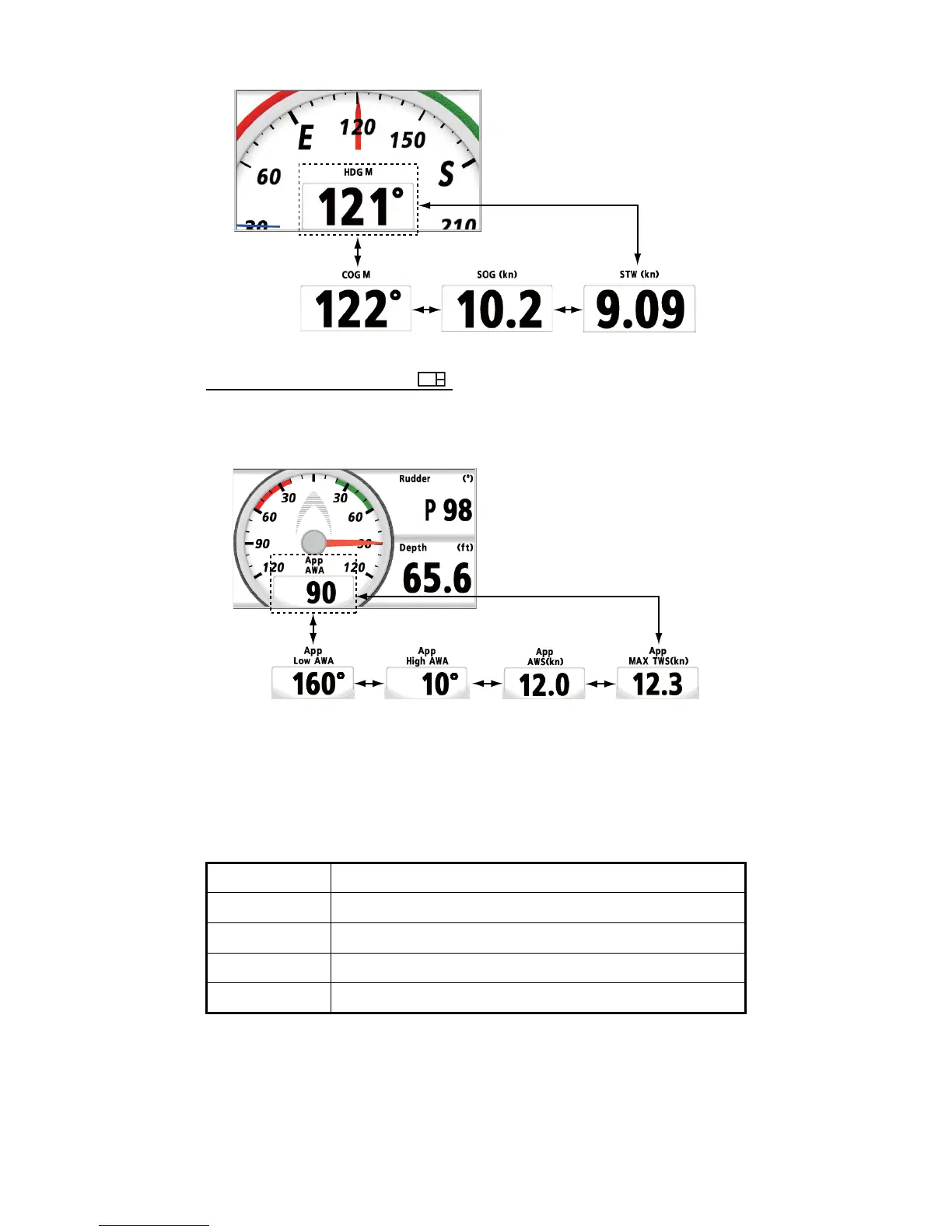
E.g. Magnetic heading
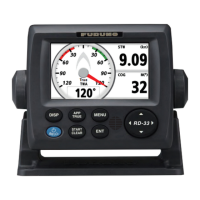
Wind Angle (Available for )
Use the Cursorpad (X) to switch the digital data for wind angle. The digital data chang-
es as follows. The data changes in reverse order with the Cursorpad (W).
E.g. Apparent wind
3.9 How to Reset the Value
You can reset the value for the following options by pressing the START/CLEAR key
long.
*: Both are reset simultaneouslly.
When the value which you want to reset is displayed in the data screen, long press the
START/CLEAR key. The value is reset after the one long beep.
Note: In the split screen, press the ENT key to activate the data box, then long press
the START/CLEAR key.
Category Option
Speed STW MAX, STW AVG, SOG MAX, SOG AVG, Trip
Timer Stopwatch, Timer1, Timer2
Wind MAX TWS, Low AWA, High AWA
Heading Heading AVG, CMG*, DMG*


 To Next Page