3. CUSTOM SCREEN
3-9
3.4 How to Switch the Wind Mode and the Direction
Mode
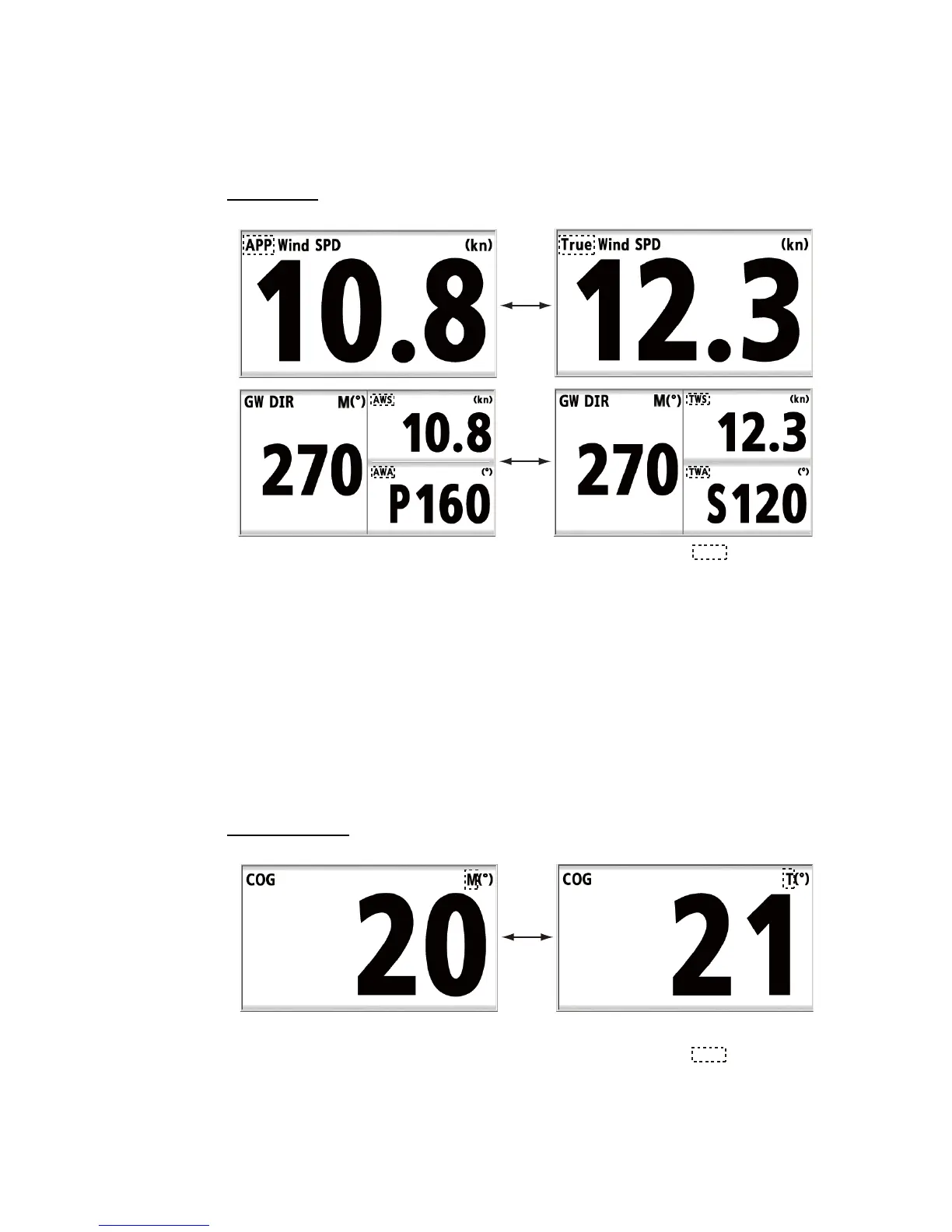
You can switch the wind mode and the direction mode as follows.
Wind mode
To switch the mode, press the APP/TRUE key.
[APP]: Apparent or relative wind. The wind direction relative to the ship's bow and the
wind speed relative to the moving ship.
[True]: True or calculated wind. The wind direction relative to the ship’s bow and the
wind speed as if the ship is stationary.
[AWS]: Apparent Wind Speed. Wind speed measured by wind transducer.
[TWS]: True Wind Speed. Wind speed calculated as if the ship is stationary.
[AWA]
: Apparent Wind Angle. Wind angle measured by wind transducer.
[TWA]: True Wind Angle. Wind angle calculated as if the ship is stationary.
Direction mode
E.g. [Heading] - [COG] screens
:Indication
Magnetic bearing mode True bearing mode
:Indication



 To Next Page