4. ALARMS
4-6
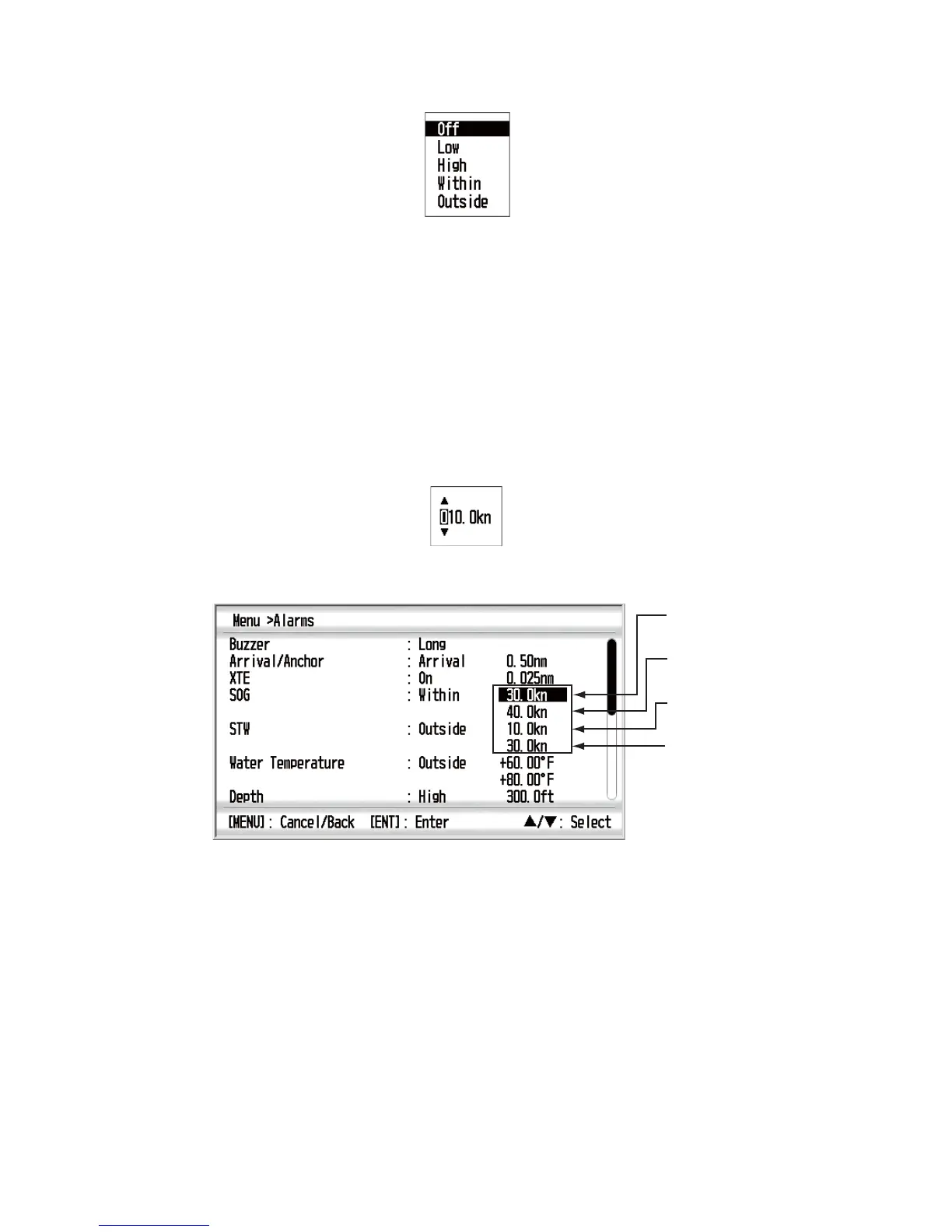
2. Use the Cursorpad (S or T) to select [SOG] or [STW] then press the ENT key.
3. Use the Cursorpad (S or T) to select [Low], [High], [Within] or [Outside] then
press the ENT key. When you do not set the SOG/STW alarm, select [Off] and go
to step 6.
[Low]: Alarm occurs when your ship’s speed is equal to or lower than the speed
setting.
[High]: Alarm occurs when your ship’s speed is equal to or higher than the speed
setting.
[Within]: Alarm occurs when your ship’s speed is equal to or within the speed
range setting.
[Outside]: Alarm occurs when your ship’s speed is equal to or outside the speed
range setting.
4. Use the Cursorpad (X) to move the cursor to the right and press the ENT key.
5. Use the Cursorpad to set the value and press the ENT key. If you selected [Within]
or [Outside] at step 3, set the value for maximum and minimum speed.
6. Press the DISP key to close the menu and display the data screen.
4.3.4 Water temperature alarm
The water temperature alarm alerts you when the water temperature is lower or higher
than the temperature setting, is inside or outside of the temperature range setting, is
equal to the temperature setting, or the water temperature varies more than the tem-
perature setting within one minute (shear).
1. Open the [Alarms] menu.
Minimum speed
for SOG
Maximum speed
for SOG
Minimum speed
for STW
Maximum speed
for STW
To move the cursor
from minimum item
to maximum item,
use the Cursorpad (
).



 To Next Page