5-1
5. INPUT/OUTPUT SETUP
The RD-33 inputs and outputs the signal in NMEA 0183 and CAN bus format. CAN
bus is the network system based on NMEA 2000.
5.1 Received Data Status
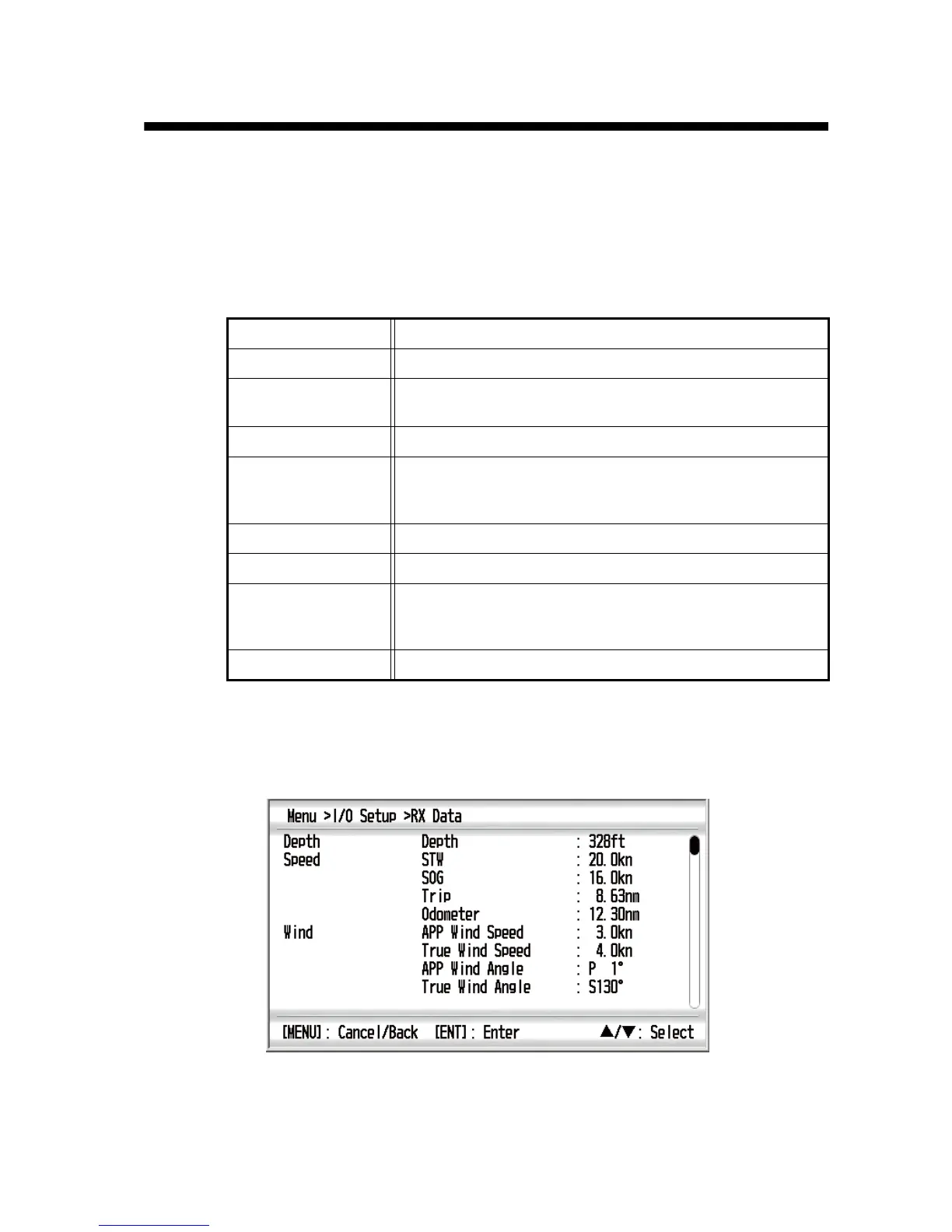
You can display all data input from the sensor. See the following table about the data.
1. Press the MENU key to open the menu.
2. Use the Cursorpad (S or T) to select [I/O Setup] and press the ENT key.
3. Use the Cursorpad (S or T) to select [RX Data] and press the ENT key.
4. Use the Cursorpad (S or T) to see all data.
5. Press the DISP key to close the menu and display the data screen.
Depth Depth
Speed STW, SOG, Trip, Odometer
Wind APP Wind Speed, True Wind Speed, APP Wind Angle,
True Wind Angle
Heading Heading, Variation, Deviation, COG, ROT
Navigation BRG, RNG, XTE, Waypoint No., Waypoint Name, Lat, Lon,
Satellites, Roll, Pitch, Destination Lat, Destination Lon,
ETA Time, ETA Date, TD 1, TD 2
Environment Time, Date, Water Temp, Air Temp, Air Press, Humidity
Autopilot Rudder Angle
Eigine (0) to (3) Fuel Info, Fuel Rate, Engine RPM, Engine Trim, Boost,
Engine Temp, Engine Hours, Oil Press, Oil Temp, Coolant,
Engine Load
Fishery Current1 (2 or 3) SPD, Current1 (2 or 3) DIR



 To Next Page