8. MAINTENANCE, TROUBLESHOOTING
8-4
8.4 Factory Reset
You can restore all settings as follows:
1. Press the MENU key to open the menu.
2. Use the Cursorpad (S or T) to select [System] and press the ENT key.
3. Use the Cursorpad (S or T) to select [Factory Reset] and press the ENT key.
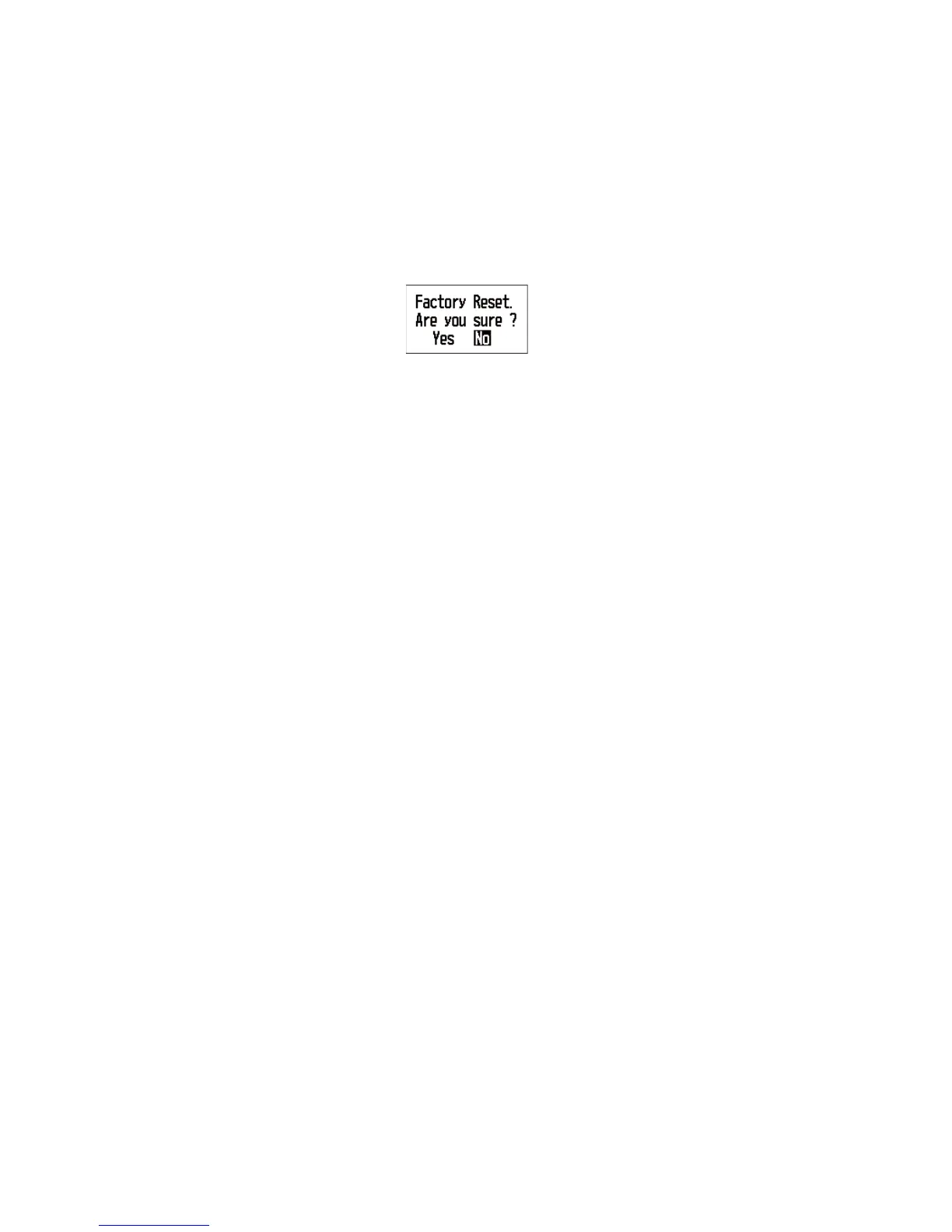
4. Use the Cursorpad (S or T) to select [On] and press the ENT key. The confirma-
tion message appears.
5. Use the Cursorpad (W) to select [Yes] and press the ENT key. The equipment re-
starts with the default settings. The [Installation] menu screen appears.
8.5 Demo Mode
A demo mode, which shows internally generated navigation data, is provided to ac-
quaint you with the features of the RD-33. "SIM" (simulation) appears on the screen
when the demo mode is turned on.
1. Press the MENU key to open the menu.
2. Use the Cursorpad (S or T) to select [System] and press the ENT key.
3. Use the Cursorpad (S or T) to select [Demo Mode] and press the ENT key.
4. Use the Cursorpad (S or T) to select [On] and press the ENT key.
5. Press the DISP key to close the menu and display the data screen.



 To Next Page