4. ALARMS
4-4
4.2 Audio Alarm Type
You can select the audio alarm type as follows:
1. Open the [Alarms] menu.
2. Use the Cursorpad (S or T) to select [Buzzer] and press the ENT key.
3. Use the Cursorpad (S or T) to select [Short], [Long] or [Continuous] then press
the ENT key.
[Short]: One short beep
[Long]: Three long beeps
[Continuous]: Continuous long beeps until you press any key to acknowledge the
alarm
4. Press the DISP key to close the menu and display the data screen.
4.3 How to Set the Alarms
4.3.1 Arrival/Anchor alarm
The arrival alarm and anchor alarm cannot be activated together.
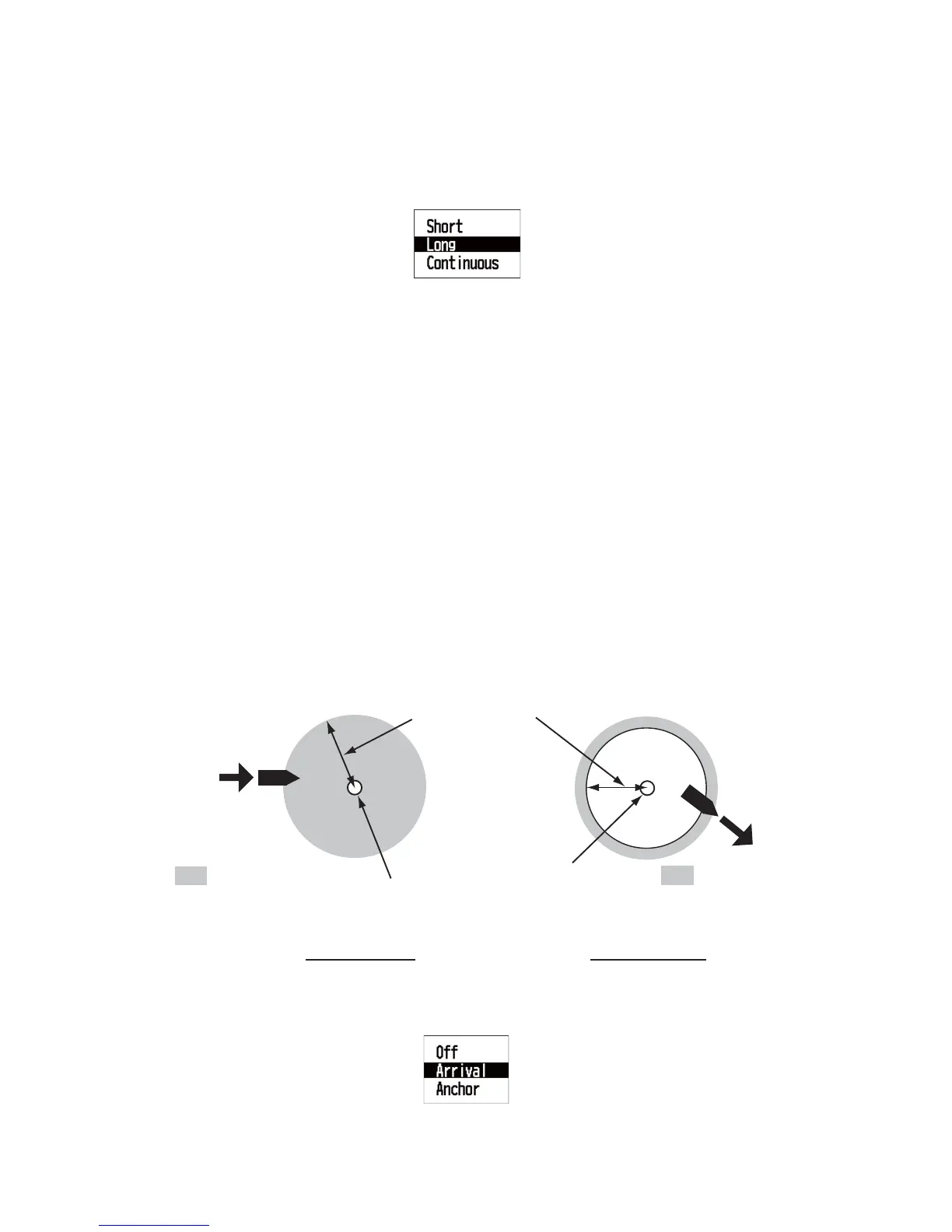
[Arrival]: The arrival alarm alerts you that your ship enters the alarm zone centering
on the destination waypoint.
[Anchor]: The anchor alarm alerts you that your ship is moving when your ship should
be at rest.
1. Open the [Alarms] menu.
2. Use the Cursorpad (S or T) to select [Arrival/Anchor] and press the ENT key.
3. Use the Cursorpad (S or T) to select [Arrival] or [Anchor] then press the ENT key.
When you do not set the arrival/anchor alarm, select [Off] and go to step 6.
Your ship
[Arrival] alarm [Anchor] alarm
Destination
waypoint
: Alarm zone
: Alarm zone
Your ship
Alarm setting
Specified point



 To Next Page