3. CUSTOM SCREEN
3-10
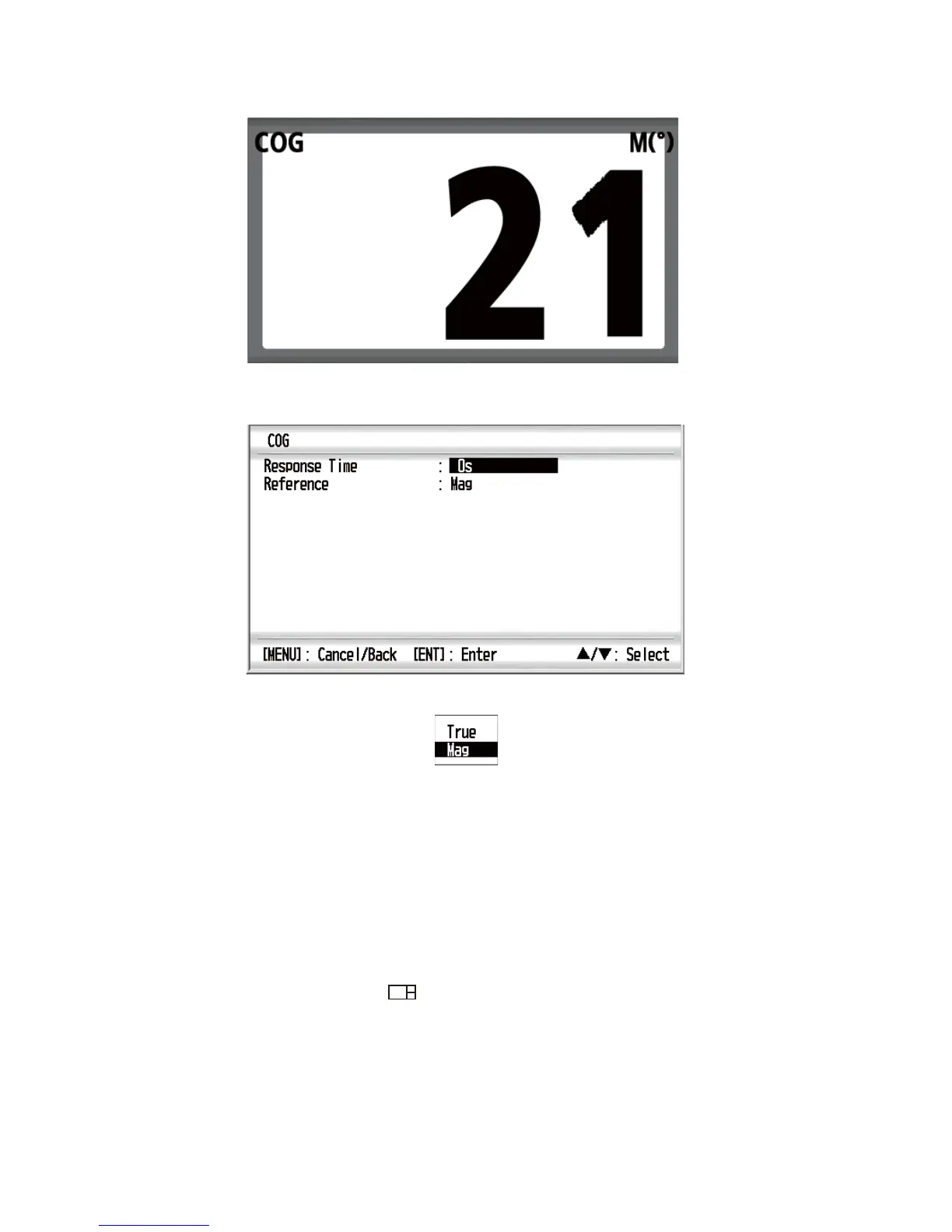
1. With the data screen displayed, press the ENT key.
2. Press the ENT key long. The properties screen, which depends on the selected
data screen, appears.
3. Use the Cursorpad (S or T) to select [Reference] and press the ENT key.
4. Use the Cursorpad (S or T) to select [True] or [Mag] then press the ENT key.
[True]: The bearing measured using true North as the reference direction.
[Mag]: Magnetic; The bearing measured with magnetic north as the reference di-
rection.
5. Press the DISP key to close the menu and display the data screen.
3.5 Stopwatch and Timer
You can display the stopwatch or timer screen for no-split screen or horizontal/vertical
three-way split 3 screen ( ) (see sections 3.1 and 3.2).
[Stopwatch]: Count up timer
[Timer1 (2)]: Count down timer



 To Next Page