3. CUSTOM SCREEN
3-13
3. Use the Cursorpad (S or T) to select [Style] and use the Cursorpad (X) to move
the cursor to the right.
4. Press the ENT key.
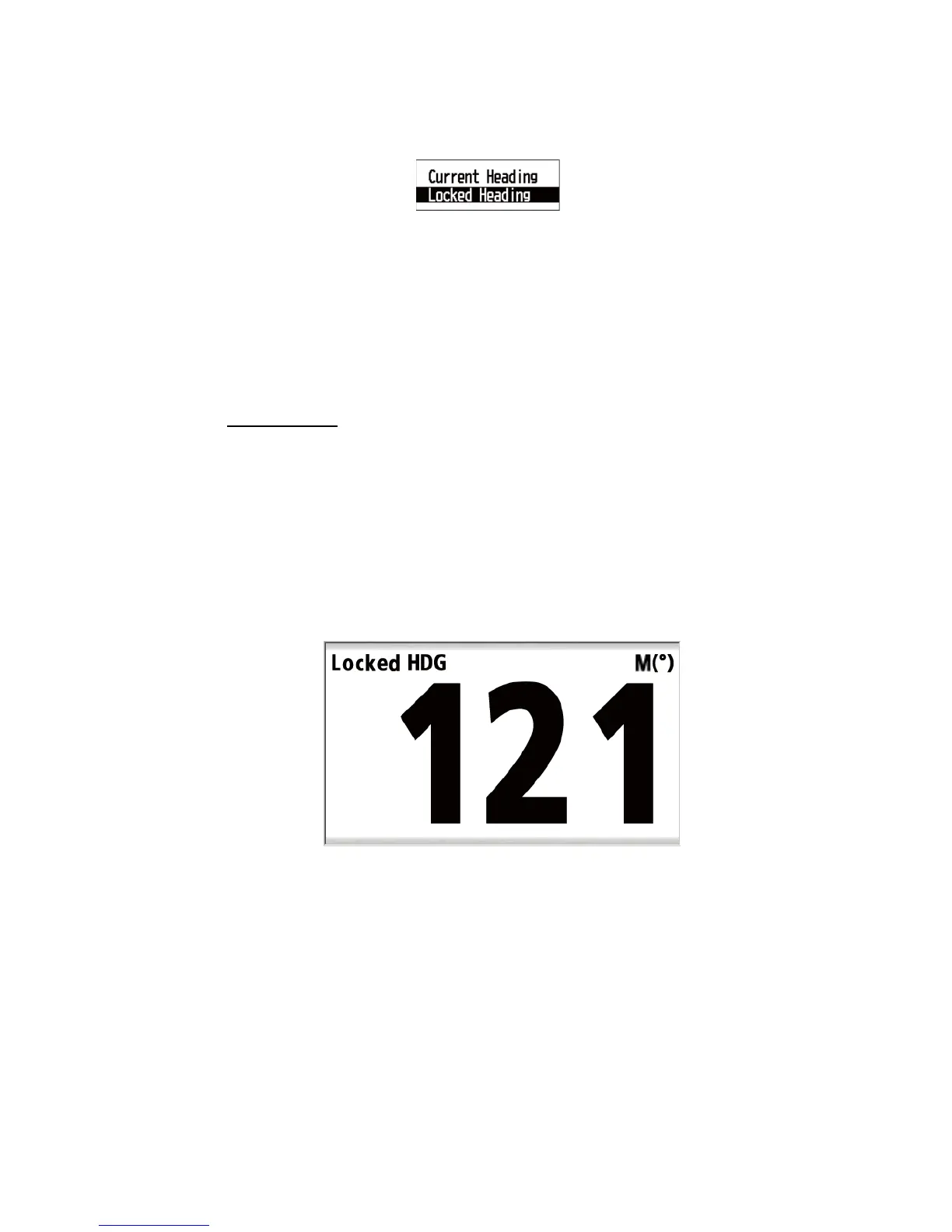
E.g. [Locked HDG]
5. Use the Cursorpad (S or T) to select [Current Heading] or [Current Bearing] then
press the ENT key.
6. Press the DISP key to close the menu and display the data screen.
Note 1: See section 3.4 for instructions on changing the direction mode. If the heading
or bearing is locked, it is unlocked when you change the direction mode.
Note 2: You can perform this operation in the [System] menu (see section 7.6).
Digital screen
To display only the value for the locked heading or the locked bearing in zoomed for-
mat, change the analog format to digital format.
1. With the [Locked HDG] or [Locked BRG] screen displayed, press the ENT key.
2. Press the ENT key long.
3. Use the Cursorpad (S or T) to select [Style] and press the ENT key.
4. Use the Cursorpad (S or T) to select [Digital] and press the ENT key.
5. Press the DISP key to close the menu and display the data screen.
E.g. [Locked HDG] - [Digital]



 To Next Page