45
Thanks to its enclosure and high temperature heated bed, the F410 is relatively immune from this
problem. However it can still occur with large parts out of high temperature materials such as ABS,
Acrylic, PC, etc.
If you see curling, ensure your first layer height is correct (see section 12.1) and you are using the
recommended bed coating for that material.
If you see cracking in the part, bump the head temperature up 5 to 10
o
C. Do not exceed 300
o
C on the
head. You can also try printing slower and make sure the cooling blower is not running.
Note: for parts larger than 345 x 345 mm, you will need to disable the “skirt” in S3D. This is found on the
“Additions” tab of the settings window.
7.8.3 Model Issues
There are many issues that can be present in the STL files themselves that can cause problems with
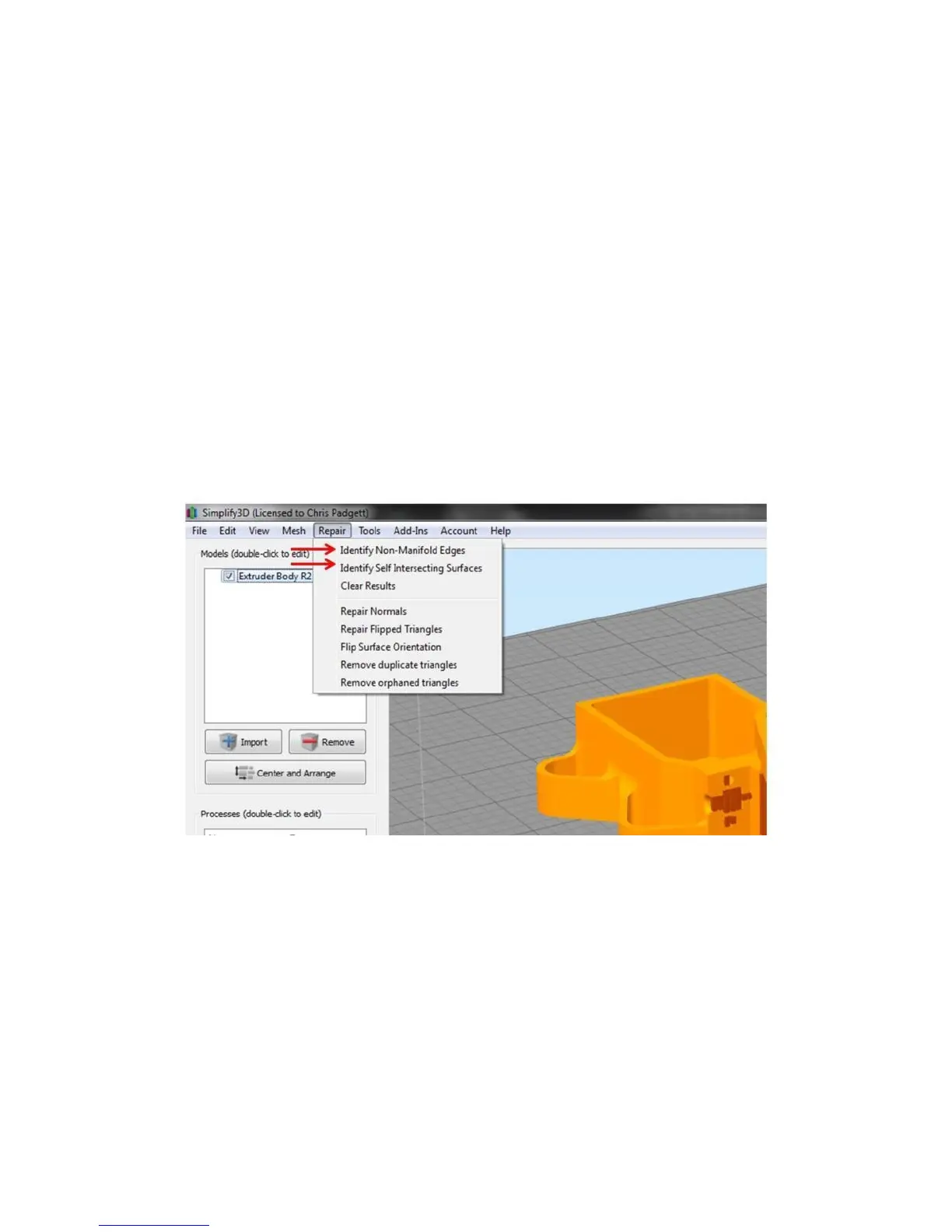
your prints. Simplify has some built-in ability to diagnose these problems. Under the “Repair” menu are
two options to detect issues.
In some cases, Simplify will be able to correctly slice the model anyway (it tries to make some
assumptions about what the part should look like) but it’s better to repair the file before attempting to
slice it.
Other models may technically be “correct” STL files, but will still print poorly for some of the following
reasons:
Internal geometry that is not needed
Not oriented properly (at a very slight angle)
Excessive number of faces
Zero thickness faces



 To Next Page