46
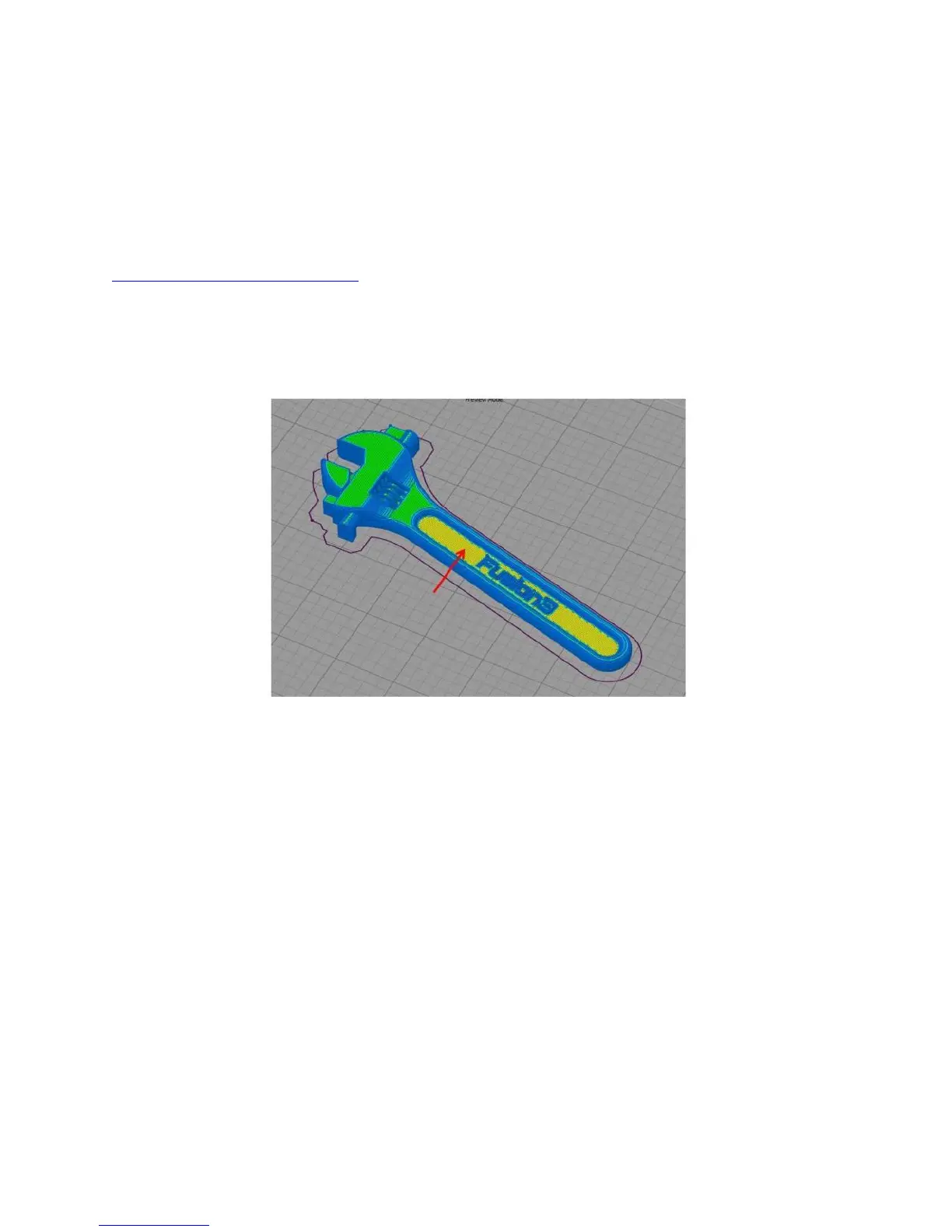
When in doubt, preview the gcode and make sure it makes sense!
7.8.4 Repairing Models
While Simplify has some built-in options for repairing broken models, we’ve had the best luck with an
online tool called Netfabb cloud. This is a free service that will automatically repair any STL you upload
and give you a fixed version to download. You will need a Microsoft online account to use it.
https://netfabb.azurewebsites.net/
7.8.5 “Mystery Bridge” Layers
On some models you may see toolpaths generated that don’t match your model at all. Maybe there is a
layer where a hole is filled in (“bridged”), or maybe there are missing layers of gcode.
Here you can see what should be a normal top layer is being treated as a bridge.
Fortunately this is a simple fix: by offsetting the part in Z by a very small amount, Simplify3D will
generate the correct toolpath.



 To Next Page