54
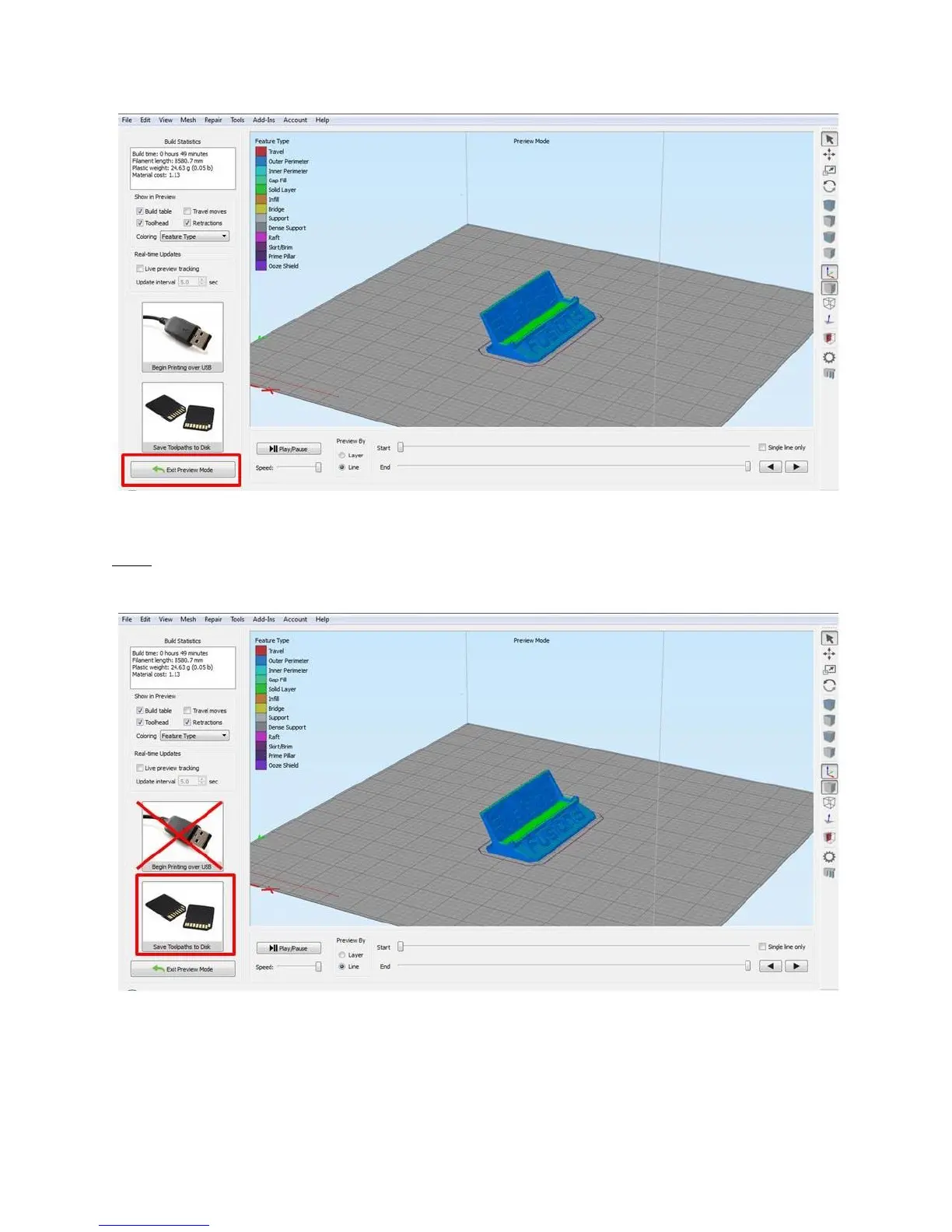
Once you are happy with the preview, click “Save Toolpath to Disk” to save the .GCODE file.
NOTE: Do not use the “Begin Printing over USB” button. Your F410 cannot be connected to a computer
over USB so this button will not work.
Save the .GCODE file to your computer in a location you can find it.
To transfer this file to your printer, you have two options:
You can manually copy the file to the printer’s SD card



 To Next Page