56
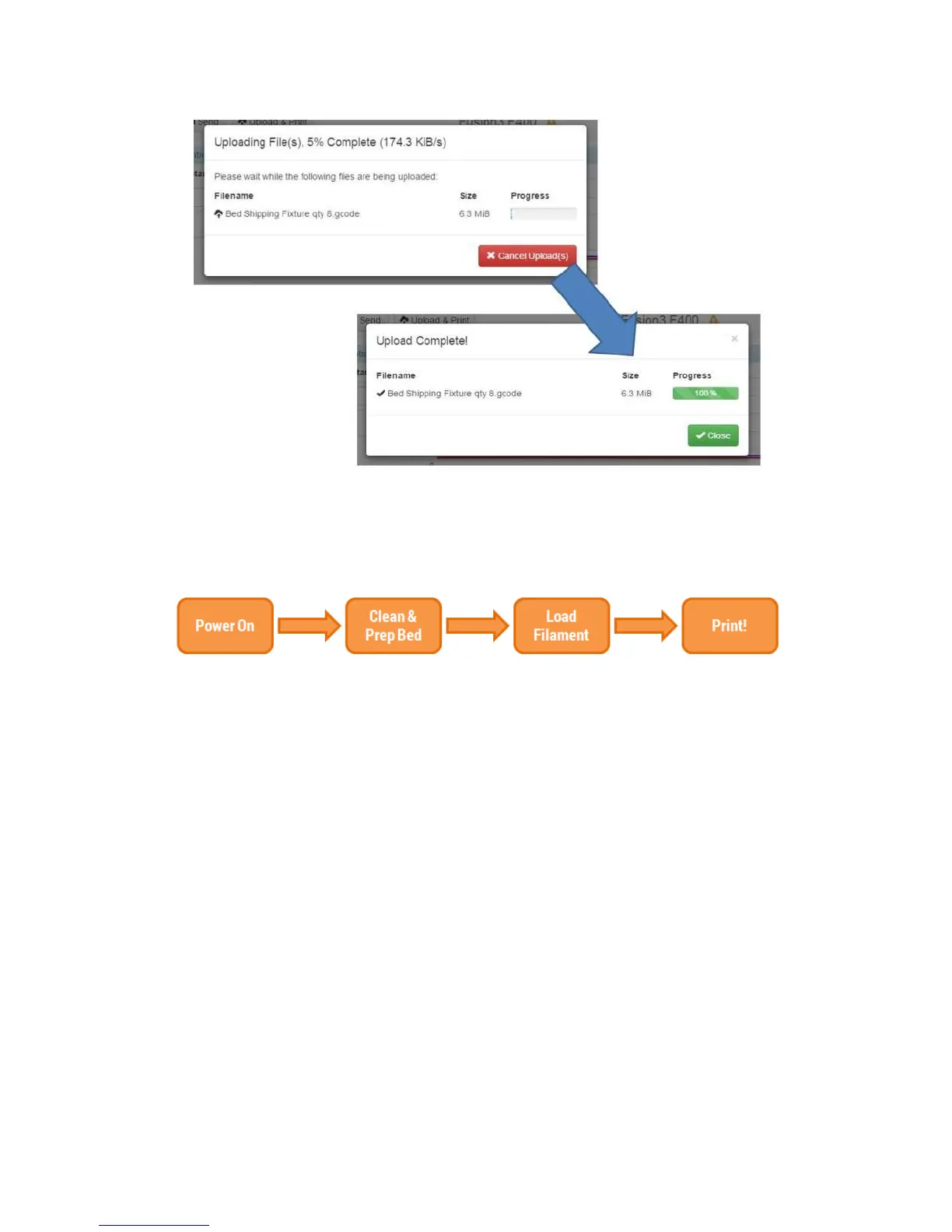
Before printing your file make sure you have completed the Hardware prep!
10.2.2 Hardware: Preparing Your Printer
Clean the bed: If there is residue (priming skirt or old gluestick) on the bed from a previous print, clean it
off as described in section 9.6.
Prep the bed: Apply fresh gluestick to the bed as described in section 10.9. Most materials will get 2
layers of gluestick, but some get special treatment (such as ABS – 3 layers of glue). Refer to the most
recent version of our material guide, which will show you the profile and bed prep for each material, if
you’re not sure.
If filament is not already loaded in the printer, load the correct filament as described in section 10.5.
10.2.3 Starting Your Print
There are two ways to start your print:
1) Via the Web Interface
Log onto the web interface and navigate to the “Gcode files” tab. Locate the file you wish to print and
click on it.



 To Next Page