68
To finish the load filament procedure, go to one of the following on the LCD:
Print > Load Filament
Maintain Printer > Filament > Load Filament
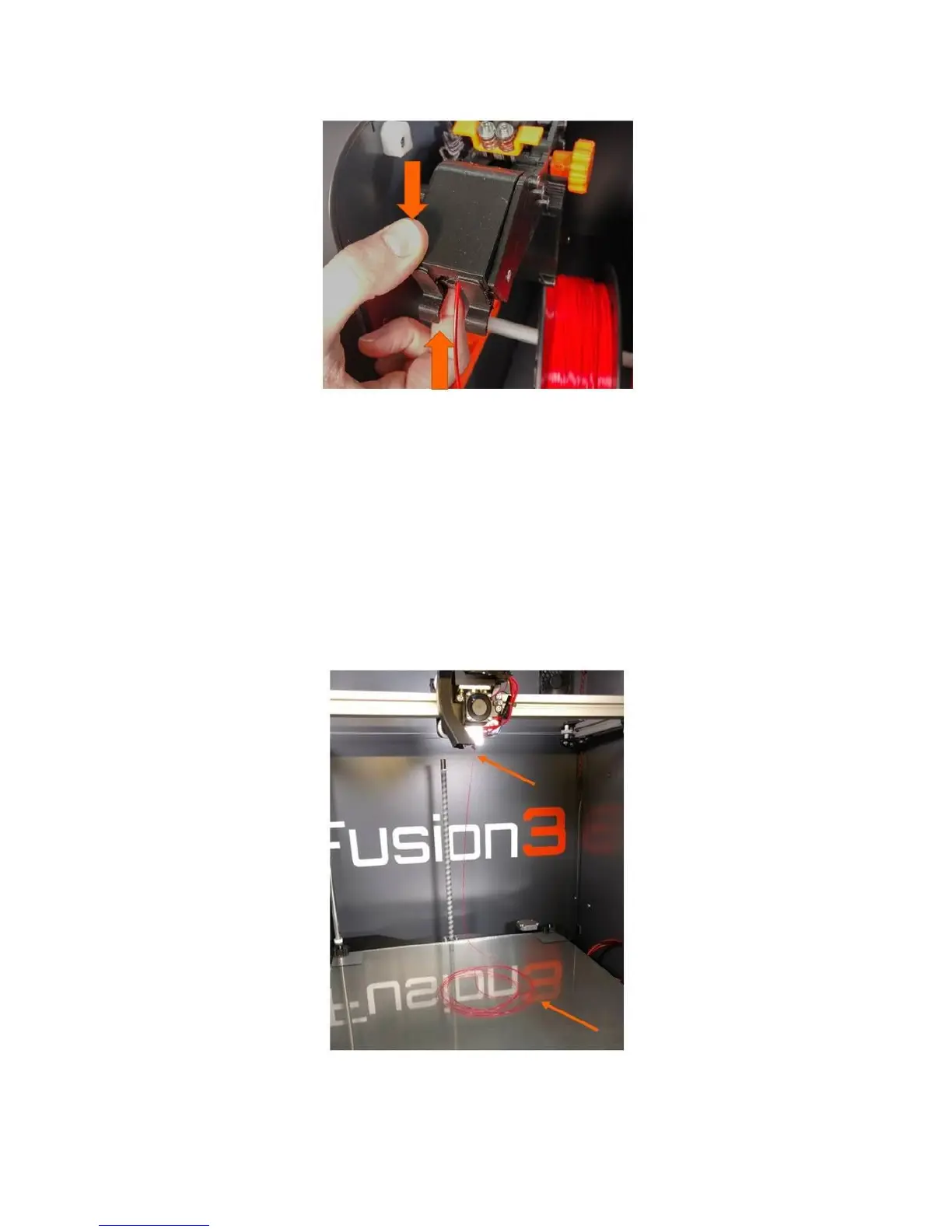
Press the button and the load filament sequence will start. The printer will heat the print head and
automatically advance the filament into the print head, and run enough through the print head to flush
out all traces of the old filament. Once the extruder stops turning, you can reach in and remove the
strand of filament it made. The LCD will also say “Load Filament Complete”.
CAUTION: The print head will still be hot for several minutes after the “Load Filament” sequence is run.
Use caution and do not come in contact with the print head.



 To Next Page