75
Once the print head is up to temperature, the print will automatically resume.
10.11.3 Canceling a Print Job
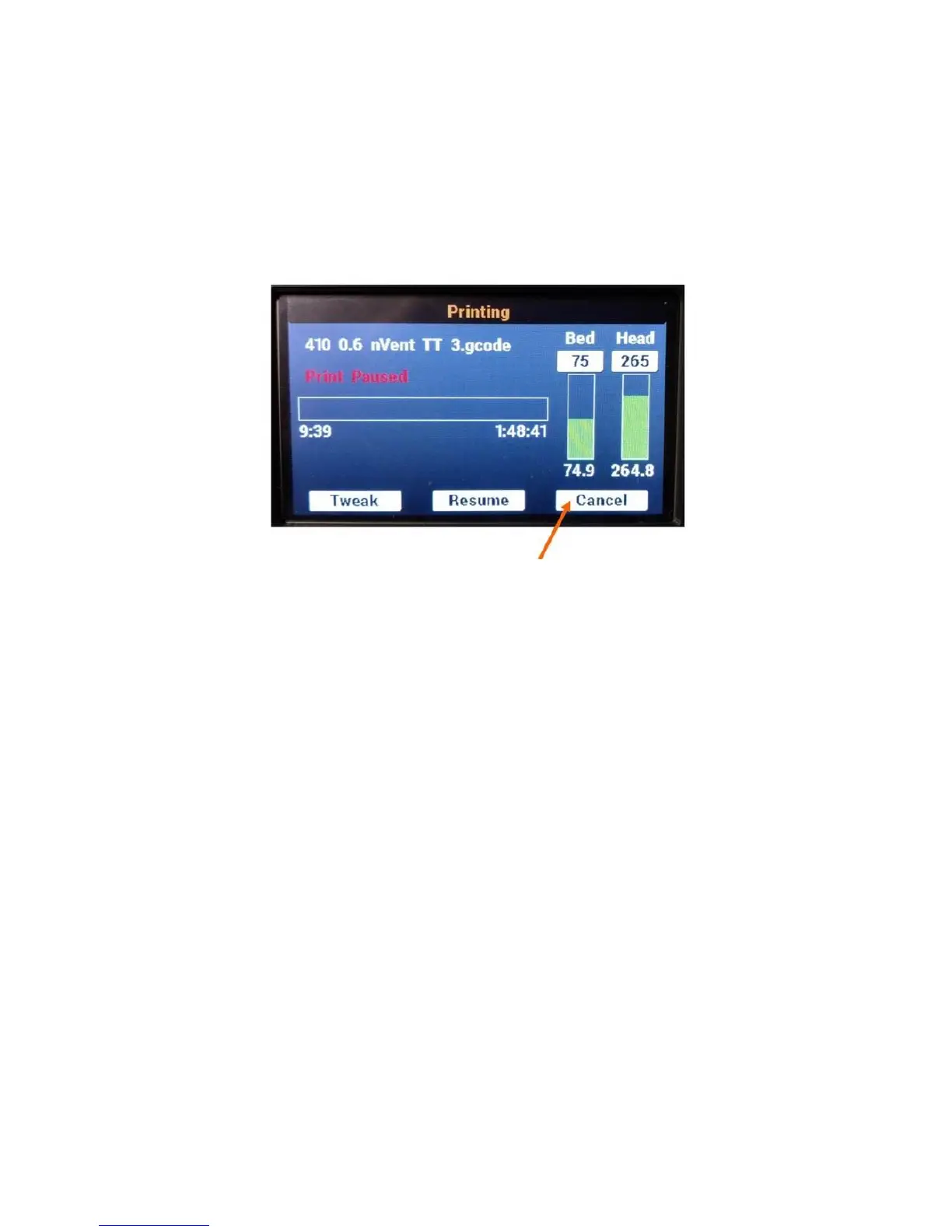
A print job must be paused before it can be canceled. If you need to immediately stop a print job, please
use the physical orange STOP / RESET button next to the LCD.
While the print job is paused, instead of selecting Resume, select Cancel to halt the print job.
Much like pausing a print, the LCD will display a “wait” message while the print is canceled. The bed will
lower to the bottom and both the print head, bed, and motors will be shut off, just like at the end of a
normal print job.



 To Next Page