87
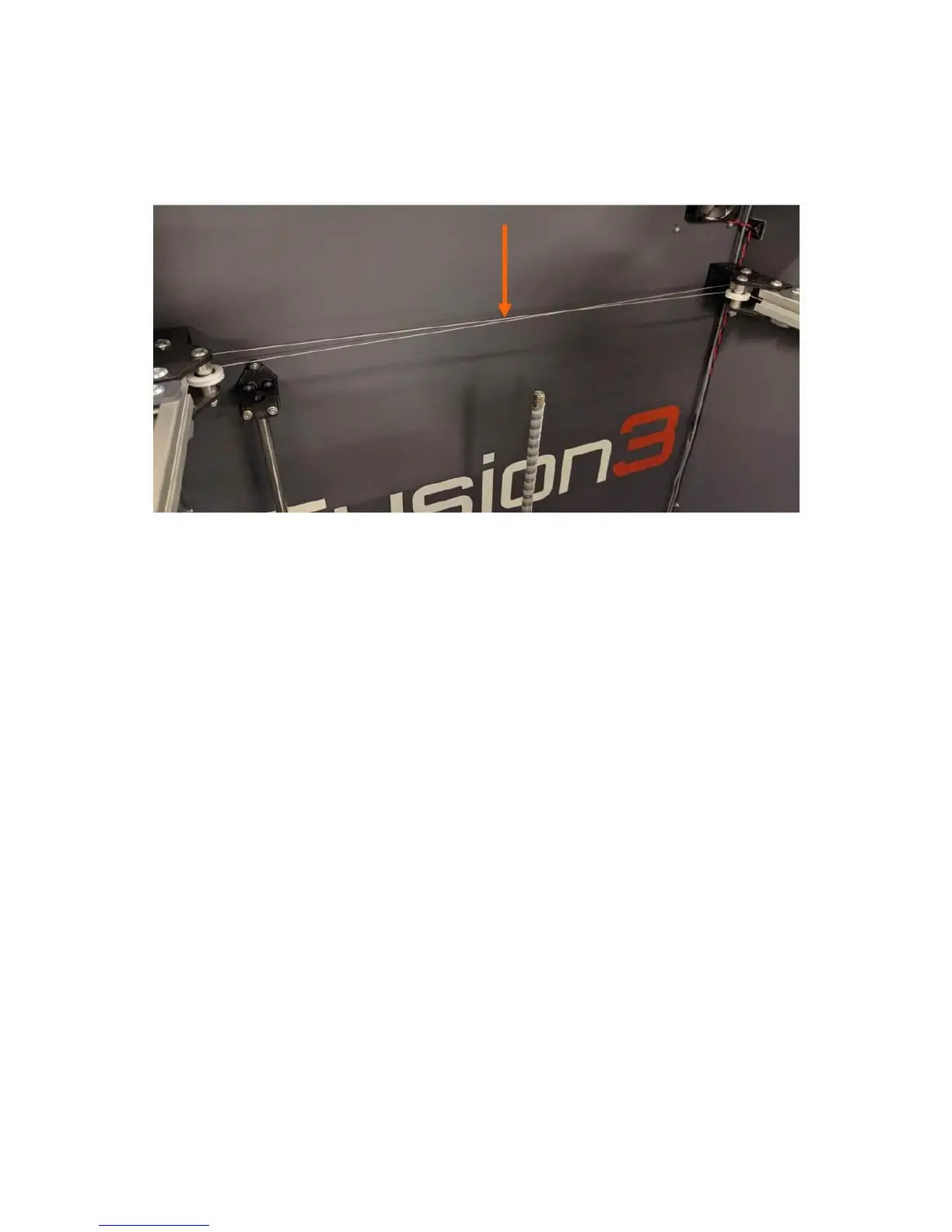
12.7.1 Check Cable Tension
The easiest point to check the cable tension is at the rear of the print bay, where the drive cables cross
over each other.
Use a light finger touch on the cables to ensure they are not slack. A wide range of tension is
acceptable; as long as the cables are not actually loose they are fine.
If you print a lot of high temperature materials, you may find the cables are slightly loose at room
temperature.
12.7.2 Check X Axis Square
The angle the X axis makes relative to the Y axis depends on the relative tension in the two drive cables.
This makes it easy to adjust the square if needed.
Here at Fusion3, we use a 12 inch carpenter’s square with 2.5 inches cut out of the vertex as a tool to
check the square of the X axis. This is faster than measuring.



 To Next Page