Guntermann & Drunck GmbH Operating Instructions
CATVision (MC)
5.4.4.3.3 Fine Tuning
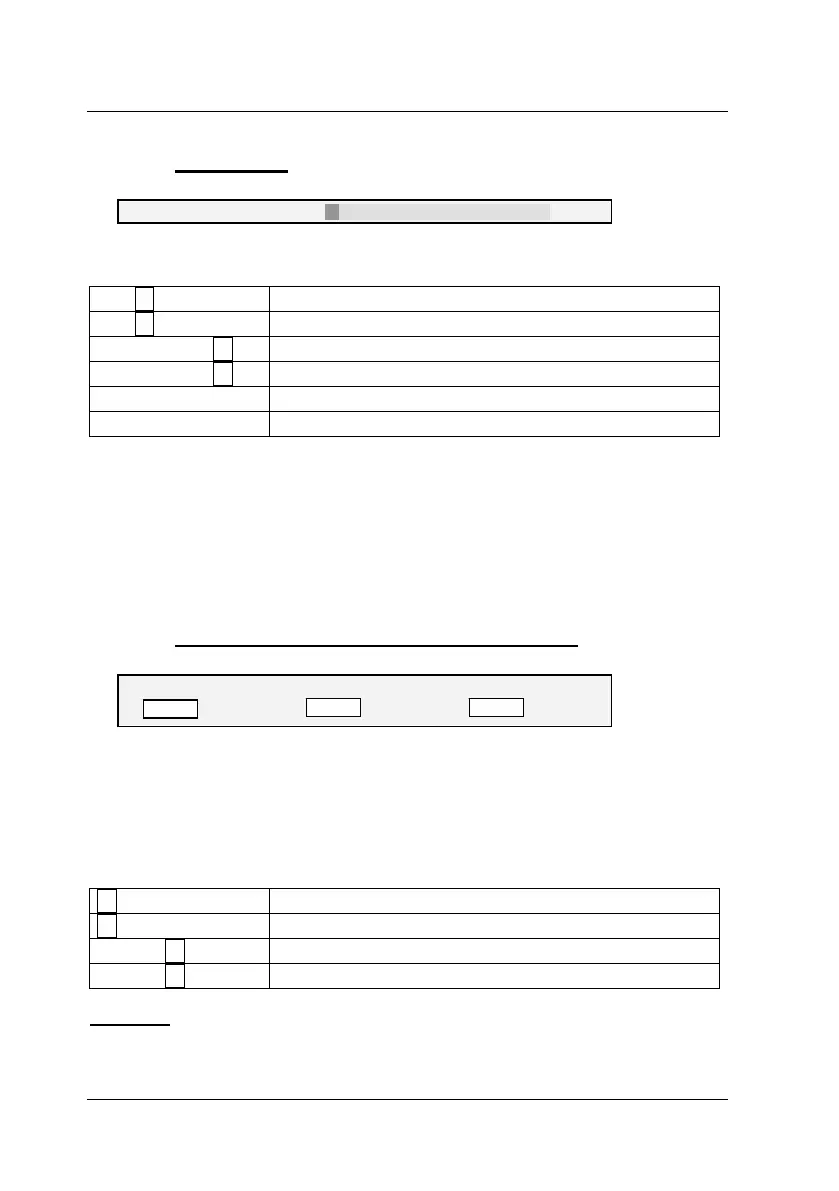
Fine tuning: 36
The following keys are available to you for fine tuning:
Key
Subtracts 1 from the fine tuning value
Key
Adds 1 to the fine tuning value
Keys CTRL +
Subtracts 5 from the fine tuning value
Keys CTRL +
Adds 5 to the fine tuning value
Home
Minimum fine tuning (value: 0)
End
Maximum fine tuning (value: 575)
If you want to make other changes within the IVT submenu, use the UP
ARROW and/or DOWN ARROW keys to move to another entry.
After establishing the fine tuning setting, confirm and save your selection by
pressing F2 or discard your changes by pressing ESC. In both cases, the IVT
submenu is closed and you return to the FUNCTION menu.
5.4.4.3.4 Setting the Run Time Delay Compensation
delay R delay G delay B
0 ns 0 ns
page 26
0 ns
At the CATVision system the run time delay compensation can be set up to 46
ns.
At 0 ns there is no delay compensation.
For compensating the delay the following keys can be used:
minimizes the delay compensation for 2 ns.
increases the delay compensation for 2 ns.
CTRL +
minimizes the delay compensation for 10 ns.
CTRL +
increases the delay compensation for 10 ns.
Example:
If the colour signal red appears too early (red shadow appear left of the letter)
move to the entry delay R and delay this signal until all colours are on top of



 To Next Page