Guntermann & Drunck GmbH Operating Instructions
CATVision (MC)
6.1.6 Setting the Menu Position & Size
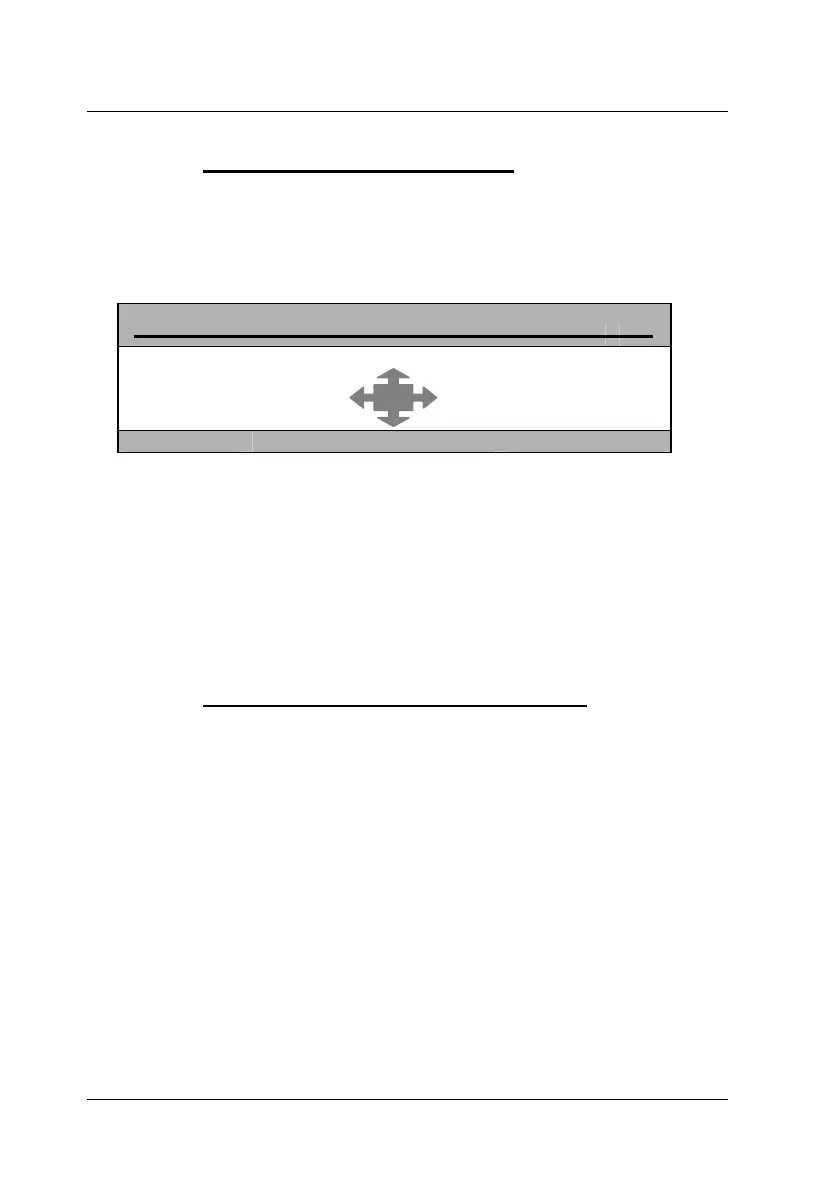
With this you change the position and size of all AdonIS windows. Move the
cursor to the corresponding entry in the menu CONSOLE SETUP.
After having pressed ENTER you get to the edit mode and can move the
display to the wanted position with the cursor control keys or mouse.
MENU-POSITION CVM
Esc Enter F1:Save
For making sure that AdonIS can be read easily at all resolutions the size of
the display can be changed with the keys picture up/picture down at a
resolution higher than 640 x 480.
ENTER closes the entry and leads you back to the CONSOLE SETUP
(temporary saved).
For saving this setting and leaving the CONSOLE SETUP press F1
(permanently saved).
6.1.7 Settings of the extended Mouse Support
With this the special keys of the Intelli Explorer Mouse for working with
CATVision are activated. By setting the entry to “Yes” AdonIS can also be
called up by pressing button 4 or 5 of the Explorer Mouse (left side buttons).
After having moved the cursor to the array „AdonIS by Mouse“ you can select
the wanted option with SPACE (toggle) or the keys Y + N.
For saving the settings and closing the menu press F1.
page 32



 To Next Page