Guntermann & Drunck GmbH Operating Instructions
CATVision (MC)
5.4.2 Calling up the IVT Mode
The IVT mode can be called up in two ways (Default):
via function menu CTRL & NUM
via hotkey CTRL & Scroll.
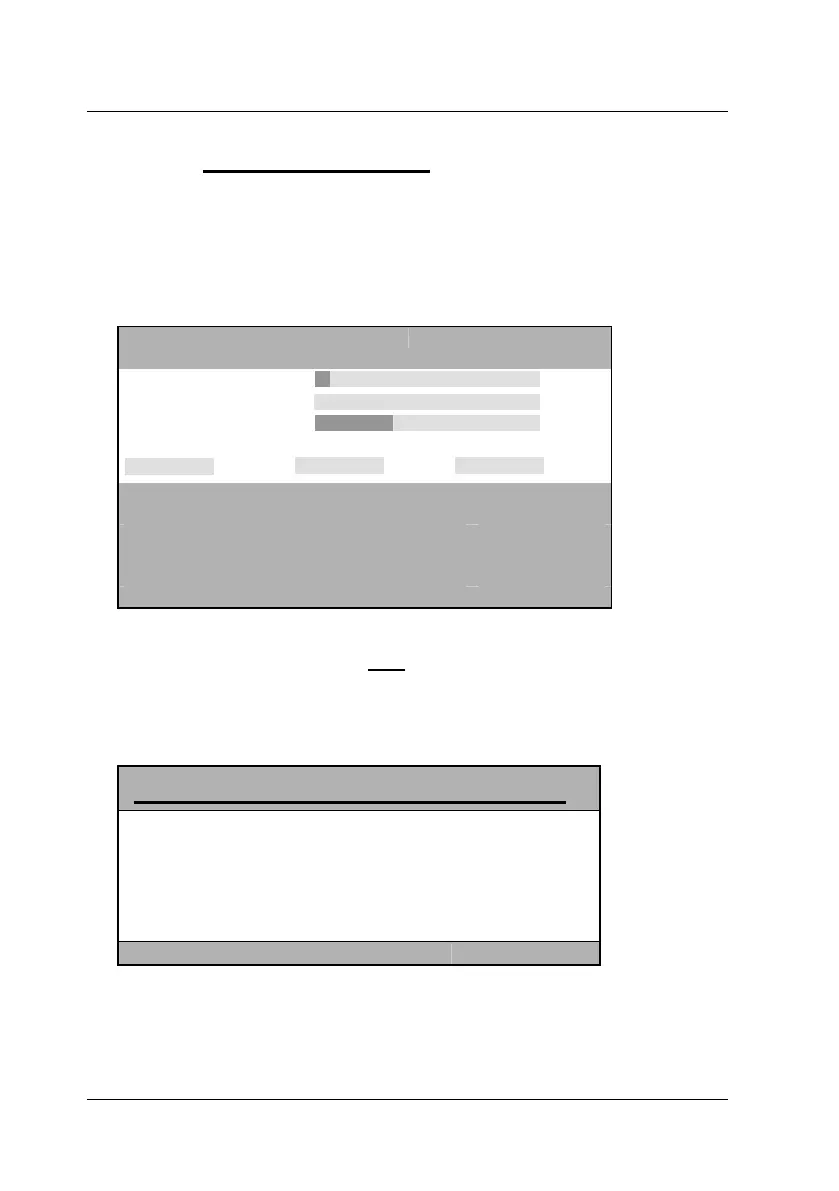
The following window opens:
IVT
Active channel: 1
CVM
Boost 4
Noise filter 0
Fine tuning 36
delay R delay G delay B
0 ns 0 ns 0 ns
ESC: quit IVT menu
F1: save and quit
F3: copy to all channels
1/2/3/4: select channel
F5: auto adjust active channel
F6: auto adjust all channels
The IVT menu can be called up from the remote or the local console. Settings
within the IVT menu, however, are only
possible via remote console. IVT
settings from the local console can only be proceeded by the administrator.
If a user from the local console wants to change the settings the following
window opens:
Info CVM
IVT is only available
on remote console.
Press ESC to return.
By pressing ESC you will get back to the last active menu.
page 20



 To Next Page