Guntermann & Drunck GmbH Operating Instructions
CATVision (MC)
If you want to make other changes within the IVT submenu, use the UP
ARROW and/or DOWN ARROW keys to move to another entry.
After establishing the video boost, confirm and save your selection by pressing
F2 or discard your changes by pressing ESC. In both cases, the IVT submenu
is closed and you return to the FUNCTION menu.
5.4.4.3.2 Setting Noise Suppression
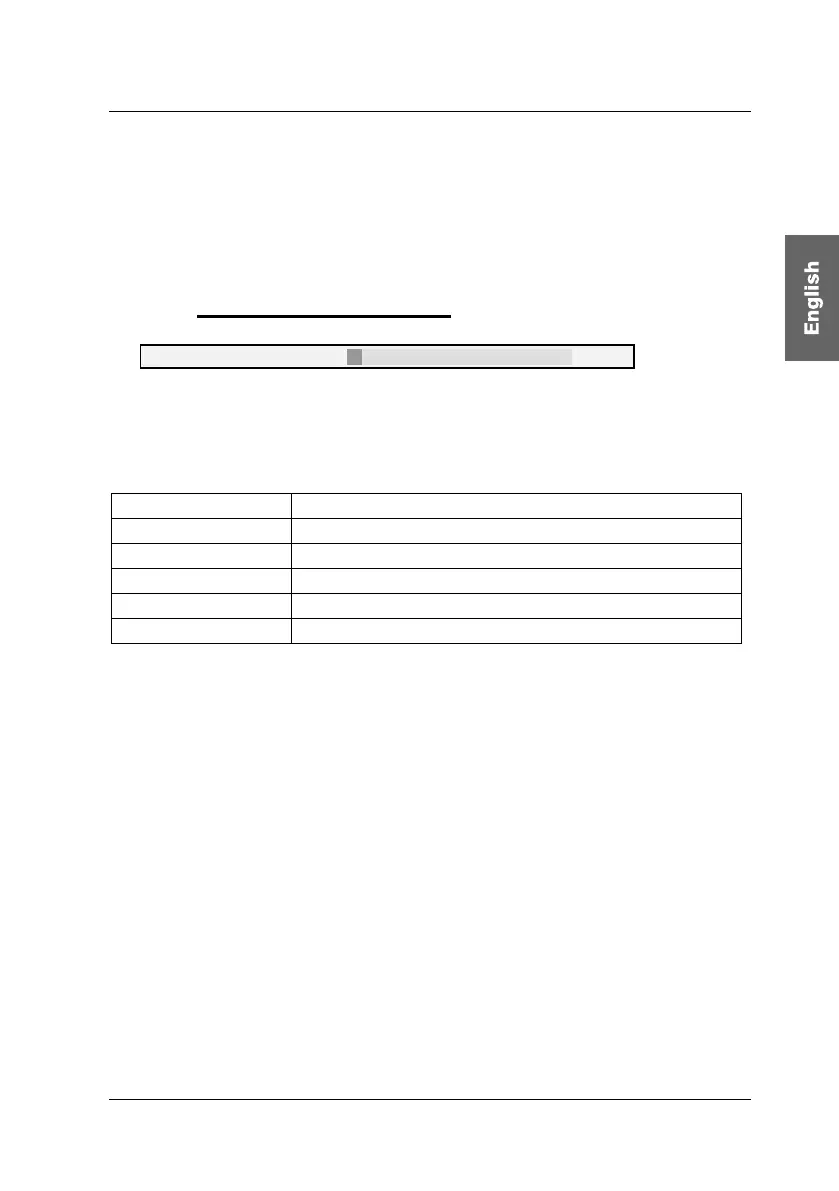
Noise filter: 0
If the video quality of your monitor is influenced by noise, this effect can be
removed using the noise filter setting.
The following keys are available to you to modify the noise filter setting:
Key
Subtracts 1 from the noise suppression value
Key
Adds 1 to the noise suppression value
Keys CTRL +
Subtracts 5 from the noise suppression value
Keys CTRL +
Adds 5 to the noise suppression value
Home
Noise suppression has the value 0
End
Maximum noise suppression (value: 255)
If you want to make other changes within the IVT submenu, use the UP
ARROW and/or DOWN ARROW keys to move to another entry.
After establishing the noise filter setting, confirm and save your selection by
pressing F2 or discard your changes by pressing ESC. In both cases, the IVT
submenu is closed and you return to the FUNCTION menu.
page 25



 To Next Page