Guntermann & Drunck GmbH Operating Instructions
CATVision (MC)
5.4.2.1 Call up via Function Menu
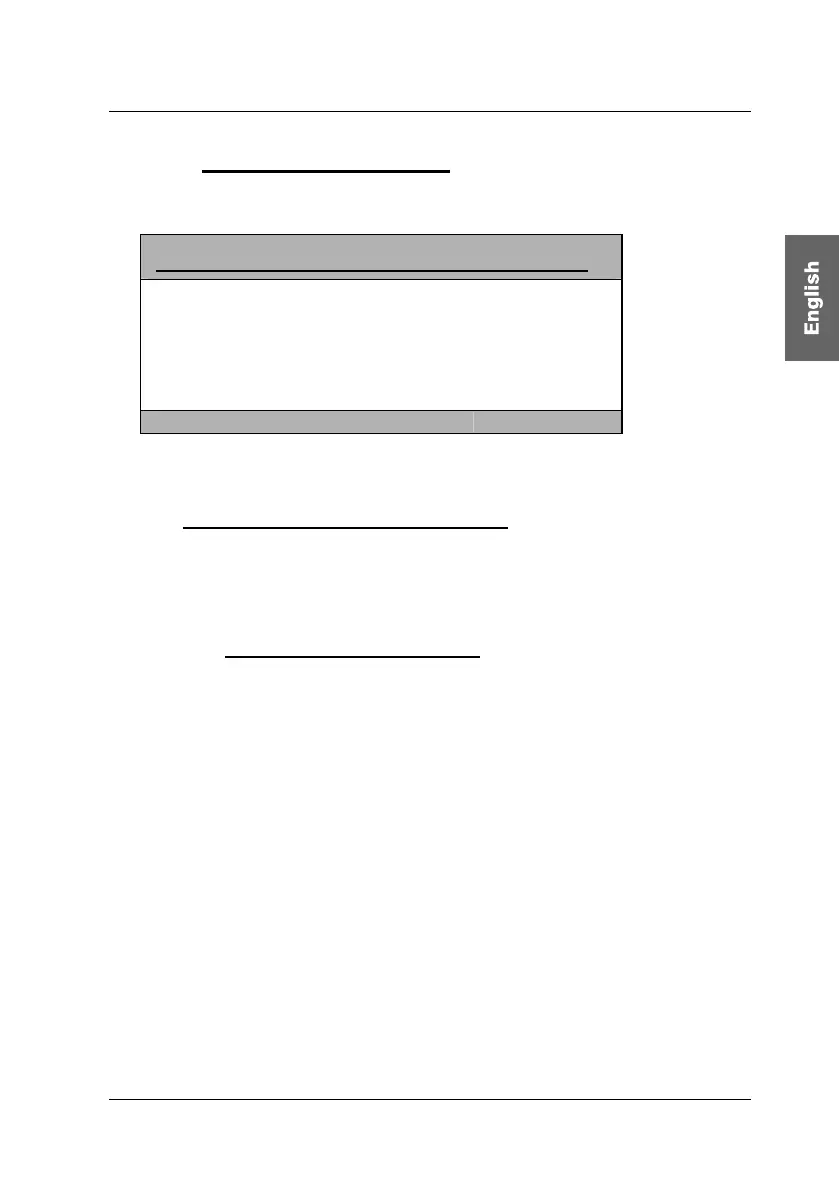
For calling up the IVT mode open the function menu with CTRL + NUM
(Default).
Function CVM
F2: IVT
F3: Console Setup
F6: Config
F8: Logout
Mouse Utility
System Info
Esc Enter
Move the cursor to the entry IVT or confirm with F2 and press ENTER. Then
the IVT window will open.
5.4.2.2 Call up via Keyboard Combination
For directly calling up IVT keep CTRL pressed and additionally press Scroll.
When both keys are released the IVT window opens (A PC must be connected
to the system).
5.4.3 Advices for Setting the IVT
The previously mentioned steps are to be understood as a default
proceeding.
Because the quality of the picture is dependent on the monitor as well as on the
graphics card and the transmitting cable it is possible that despite a cable
length of e.g.120 meter the “best picture” is reached with a setting of 140 meter.
Meter stands as a synonym for the adjustable video boost.
Try for the best setting.
Because the cursors work in 1m steps you may have to press them more often
in order to get the best picture within the fine tuning.
If your monitor stays dark, check whether the set resolution of the graphics card
is supported by the monitor. If so, activate the IVT (chapter 5.3.2).
Possibly the supported range is exceeded or undercut. Set the lowest value
with the key Pos1 and move upwards with the HotKey-combination CTRL+
Cursor Right.
The picture will then appear again and you can change for the best setting.
page 21



 To Next Page