Guntermann & Drunck GmbH Operating Instructions
CATVision (MC)
page 46
6.2.3.2 Defining the User Name
User name USER 01
Enter maximum 14 characters for the name of the user of this account. Current
entries can be written over.
Move the cursor to this array. Press ENTER for getting into the edit mode fort
his array.
Close the entry with ENTER.
If the User Name is changed a window opens automatically which indicates the
change. After having pressed any key the input menu for the user password
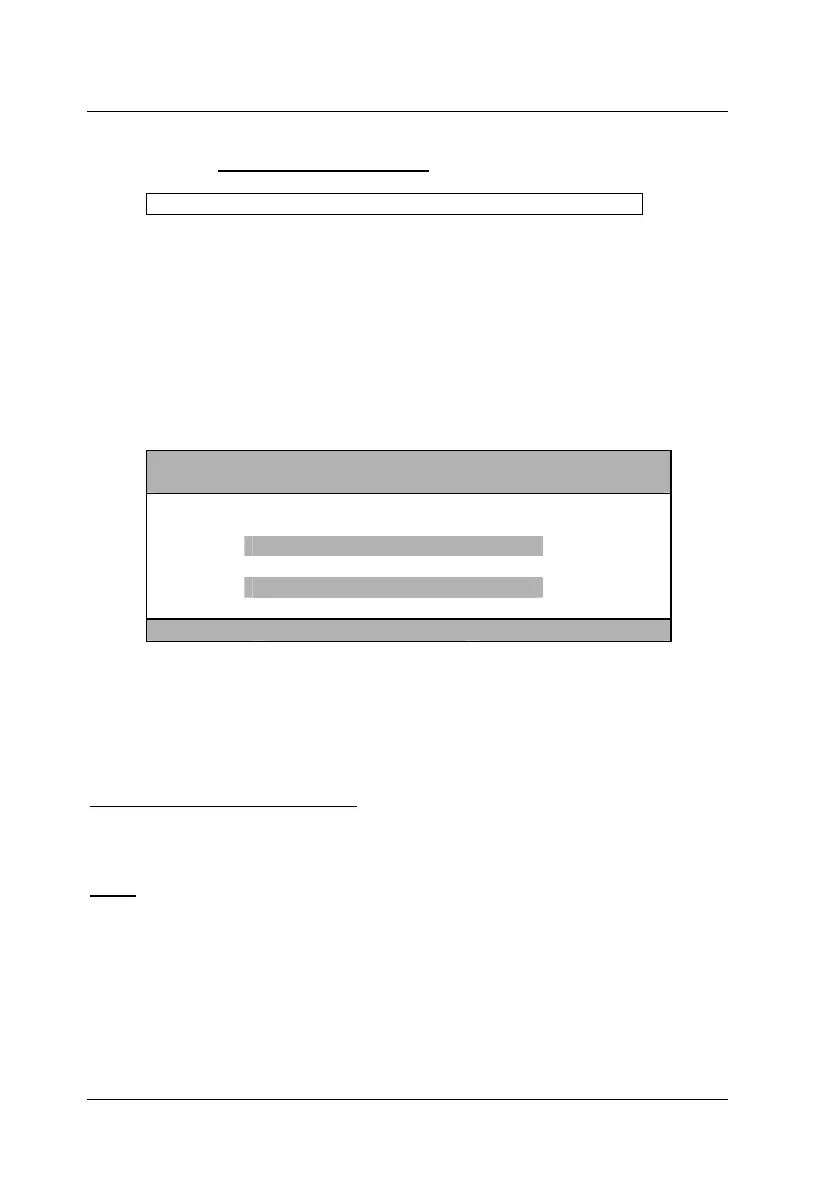
appears:
CHANGE PASSWORD CVM
Please enter your new
password twice:
[max. 12 characters]
Esc Enter
The entry has max 12 alphanumerical characters. ENTER closes the first entry
and automatically jumps to the second array where the password has to be
entered again. With ENTER you confirm the new password and this will lead
you back to the User Account.
With F1 you save the new settings and go back to SELECT ACCOUNT.
Interrupting the password change
ESC in the window CHANGE PASSWORD will interrupt the action and lead
you back to User Account.
Note:
When you have defined a User Name earlier and abort this procedure without
entering a new password, this user is still existing. This user won´t have any
chance to login, since no password is existing!
If you abort the reentering of an existing password, the old password remains
activ.
By creating a User Account, the OpenAccess will be disabled.



 To Next Page