Changing the Search Area
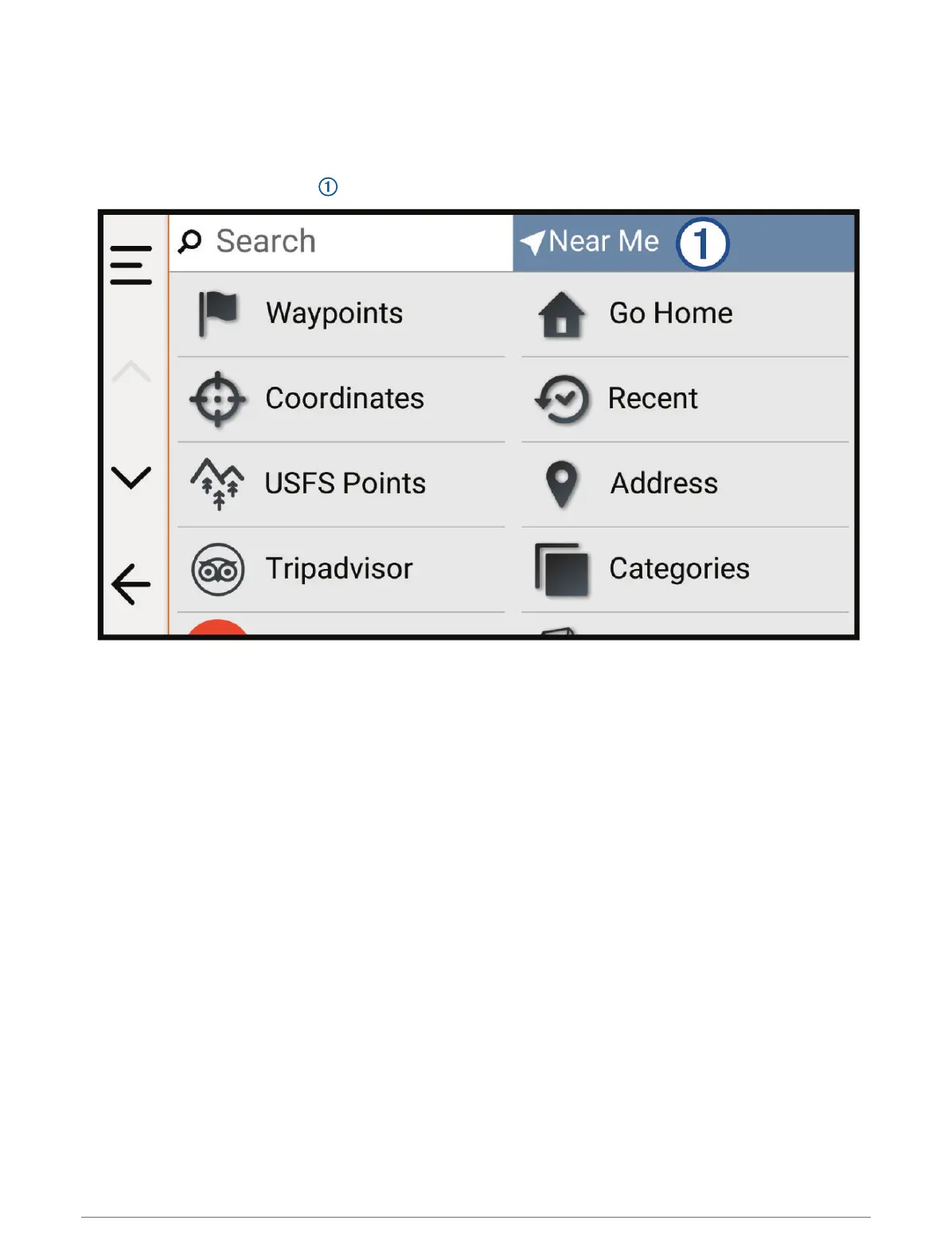
By default, the device searches for locations near your current location. You can also search other areas, such
as near your destination, near another city, or along your active route.
1 Select Search.
2 Select the current search area .
3 Select a search area.
4 If necessary, follow the on-screen instructions to select a specific location.
The selected search area appears at the top of the screen. When you search for a location using any of the
options in the Search menu, the device suggests locations near this area first.
Finding Parking Near Your Current Location
1 Select Search > Categories > Parking.
2 Select a parking location.
3 Select Go!.
32 Finding and Saving Locations















 To Next Page