Updating Maps and Sofware with Garmin Express
You can use the Garmin Express application to download and install the latest map and software updates for
your device.
1 If you do not have the Garmin Express application installed on your computer, go to garmin.com/express and
follow the on-screen instructions to install it.
2
Open the Garmin Express application.
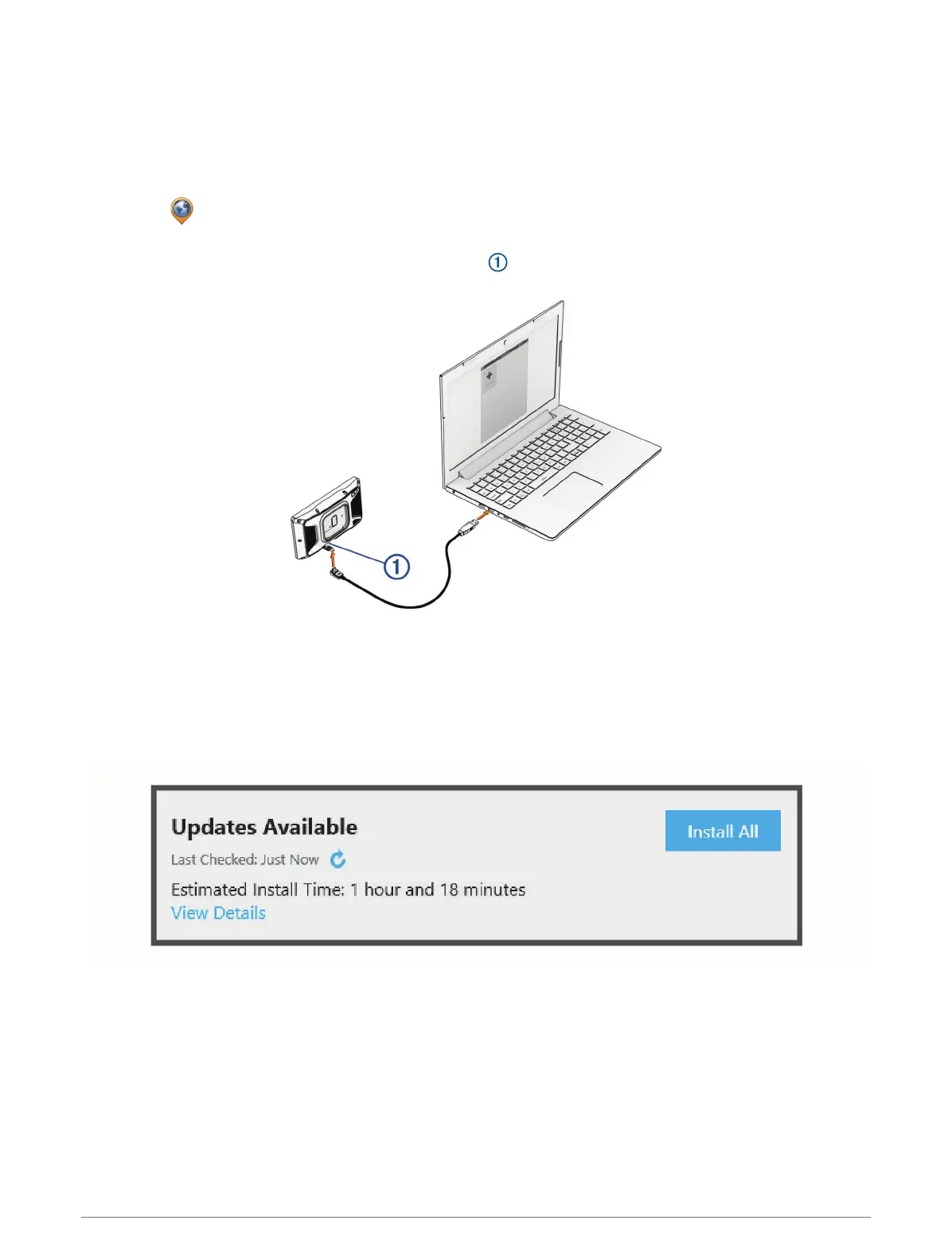
3 Connect your device to your computer using a USB-Ccable.
The small end of the cable connects to the USB-C port on your Tread 2 device, and the large end connects
to an available USBport on your computer.
4 From your Tread 2 device, select Tap to Connect to Computer.
5 When your Tread 2 device prompts you to enter file transfer mode, select Continue.
6 In the Garmin Express application, click Add a Device.
The Garmin Express application searches for your device and displays the device name and serial number.
7 Click Add Device, and follow the on-screen instructions to add your device to the Garmin Express application.
When setup is complete, the Garmin Express application displays the updates available for your device.
60 Device Maintenance















 To Next Page