AFR-24S User Manual
6.2 Cleaning the Grid Drum
1. Turn off the cutting plotter, and move the tool carriage away from the area
needed to be cleaned.
2. Raise the pinch rollers and move them away from the grid drum for cleaning.
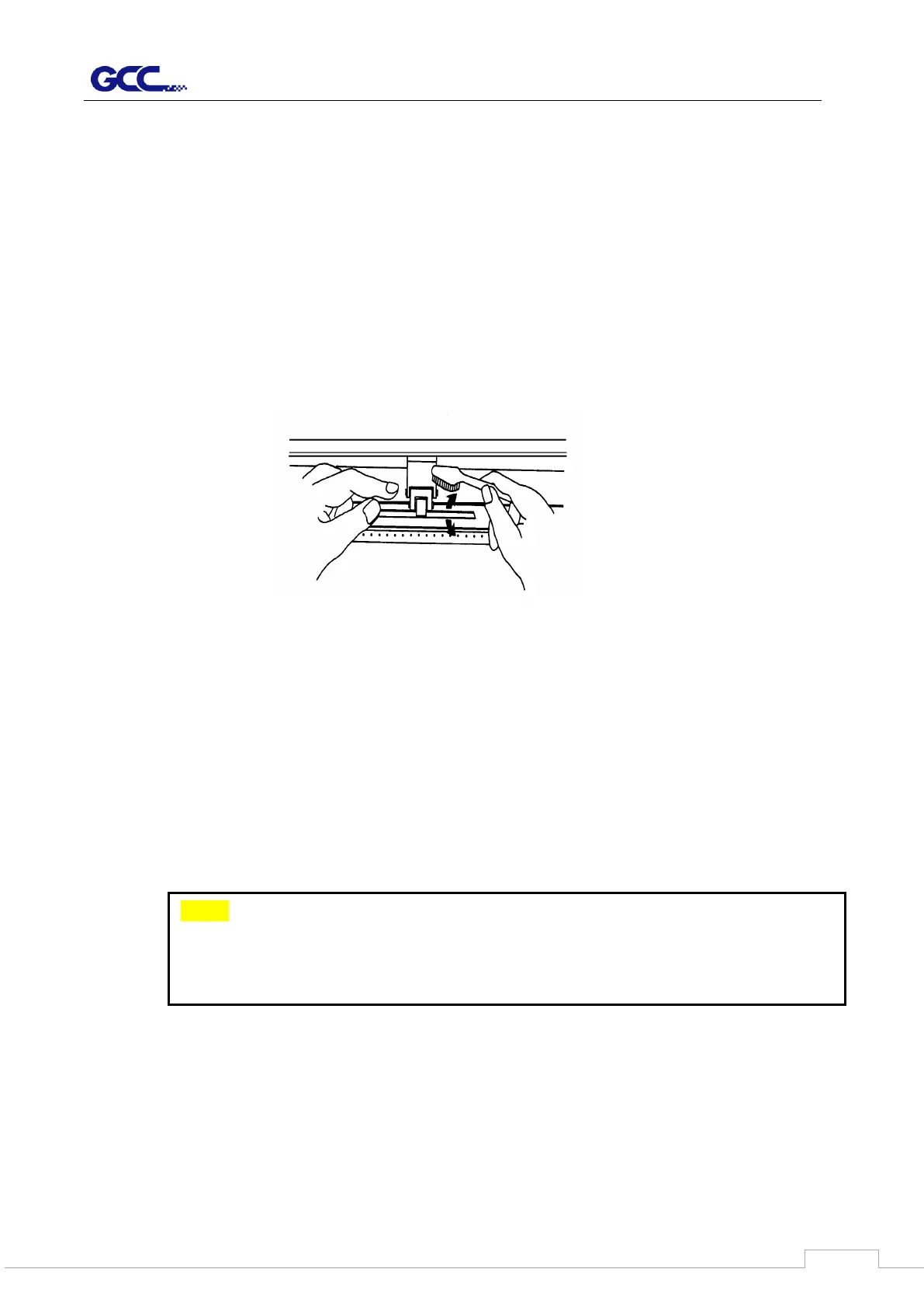
3. Use a bristle brush (a toothbrush is acceptable) to remove dust from the drum
surface. Rotate the drum manually while cleaning. Refer to Figure 6-1.
6.3 Cleaning the Pinch Rollers
1. If the pinch rollers require a thorough cleaning, use a lint-free cloth or
cotton swab to wipe away the accumulated dust from the rubber portion of
the pinch rollers. To prevent the pinch rollers from rotating while cleaning,
use your finger to hold the pinch rollers to prevent them from rotation
2. To remove the deeply-embedded or persistent dust, use the lint-free
cloth or cotton swab moistened with rubbing alcohol.
Note: The daily maintenance of your cutting plotter is very important. Be sure to
clean up the grid drum and pinch rollers regularly for better cutting accuracy
and output quality.



 To Next Page