AFR-24S User Manual
Step 4
Place the two roll holders into the holes of Roll Holder Support (Figure 2-16).
Step 5
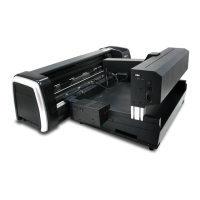
The complete Desktop Media Support System will be shown as in Figure 2-17.
2.9 Instruction of Damper Roller (machine only)
Turn the wheel as instructed below to adjust damping. The bigger the number is, the
stronger the damping. The volume symbol sticker indicates the damping level (Figure
2-18,19).


 To Next Page