AFR-24S User Manual
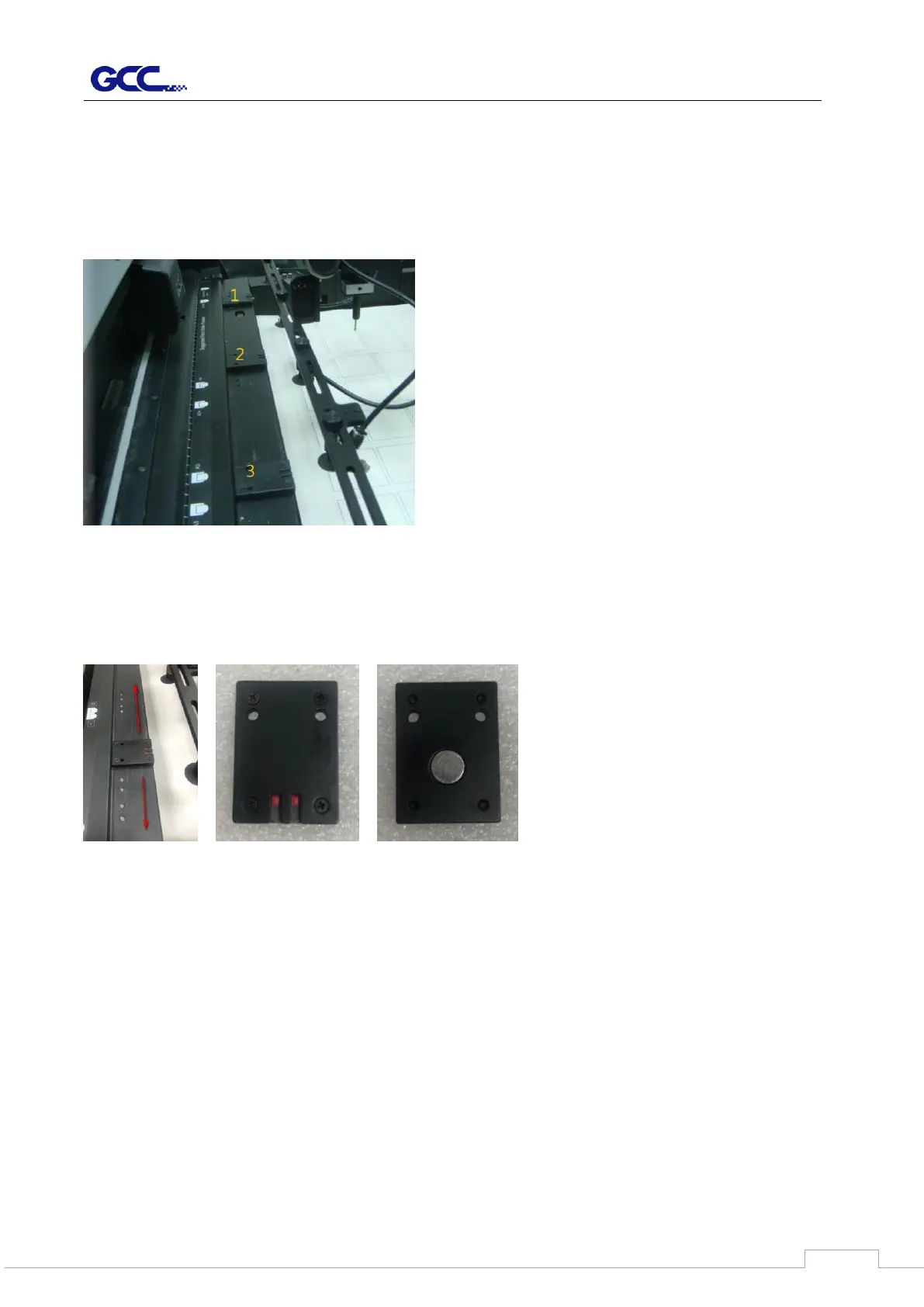
2.3 Install the magnetic media separator
The function of a magnetic media separator is to prevent sheet media from double feeding
while loading sheet media to a cutter.
A magnetic media separator contains a magnet which is used to attach the media separator
to a feeder. Users can move the magnetic media separators to a proper position whenever
needed.
2.4 Blade and Blade Holder Installation
2.4.1 Blade Installation
Insert a blade into the bottom of the blade holder and remove the blade by pushing the pin.
Make sure that your fingers are away from the blade tip.



 To Next Page