AFR-24S User Manual
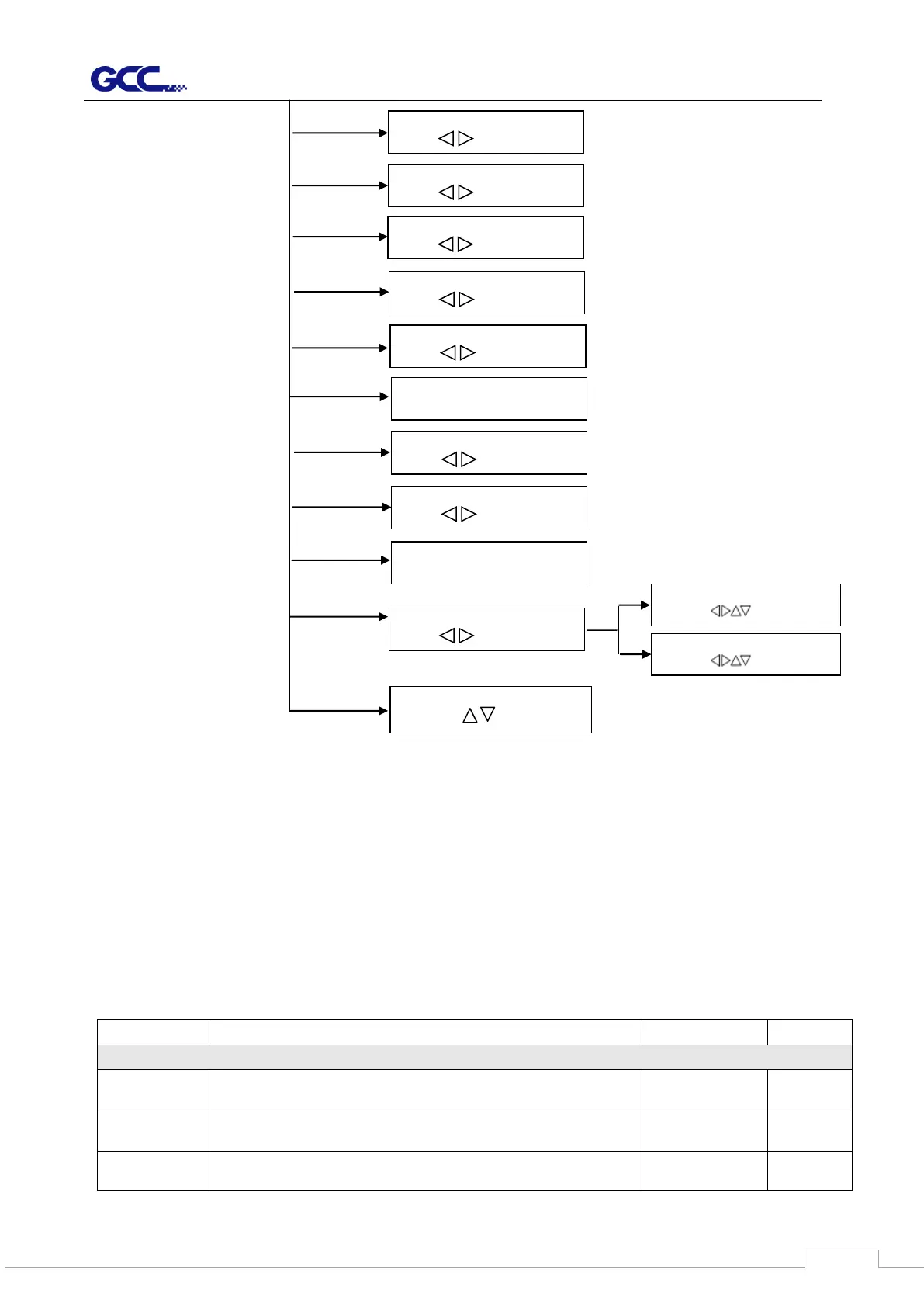
3.4 Menu Items
Below describes the functions of menu items
Maximum Media
Length 150M
To measure media width and pull the media back till the front
paper sensor open.
Maximum Media
Length 150M
To measure media width and length.
Select Language
Select: OK:ENTER
Select Unit
Select: OK:ENTER
IP Address
Select: OK:ENTER
IP Address set, Submask set,
Gateway set
MAC Address
00:CF:52:72:03:01
Firmware x.x.xx
FPGA: xx.xx
English, Francais, Türkce, Polski, Ingles, Japanese,
Deutsch, Italian, Espanol
Metric (cm/g), Unit (inch/ g),
Unit (cm/ oz), English (inch/ oz)
Set communication
Select: OK:ENTER
Image Scale Length
Select: OK:ENTER
Image Scale Width
Select: OK:ENTER
Section Cut
Select: OK:ENTER
Pen Height Detect
Change:



 To Next Page