AFR-24S User Manual
Step 5 Eject the blade. Push “Blade eject pin” to eject blade when the blade needs to be
replaced.
Caution
The blade will lose its sharpness after a period of usage; the cutting quality might be affected.
By increasing the cutting force, it might do the trick. However, once the blade is worn out and
no longer provides a reliable cutting, you should replace a new one. The blade is
consumable and must be replaced as often as necessary to maintain the cutting quality. The
quality of the blade deeply affects cutting quality. So be sure to use a high quality blade to
ensure good cutting results.
2.5 Automatic Blade Length Detection
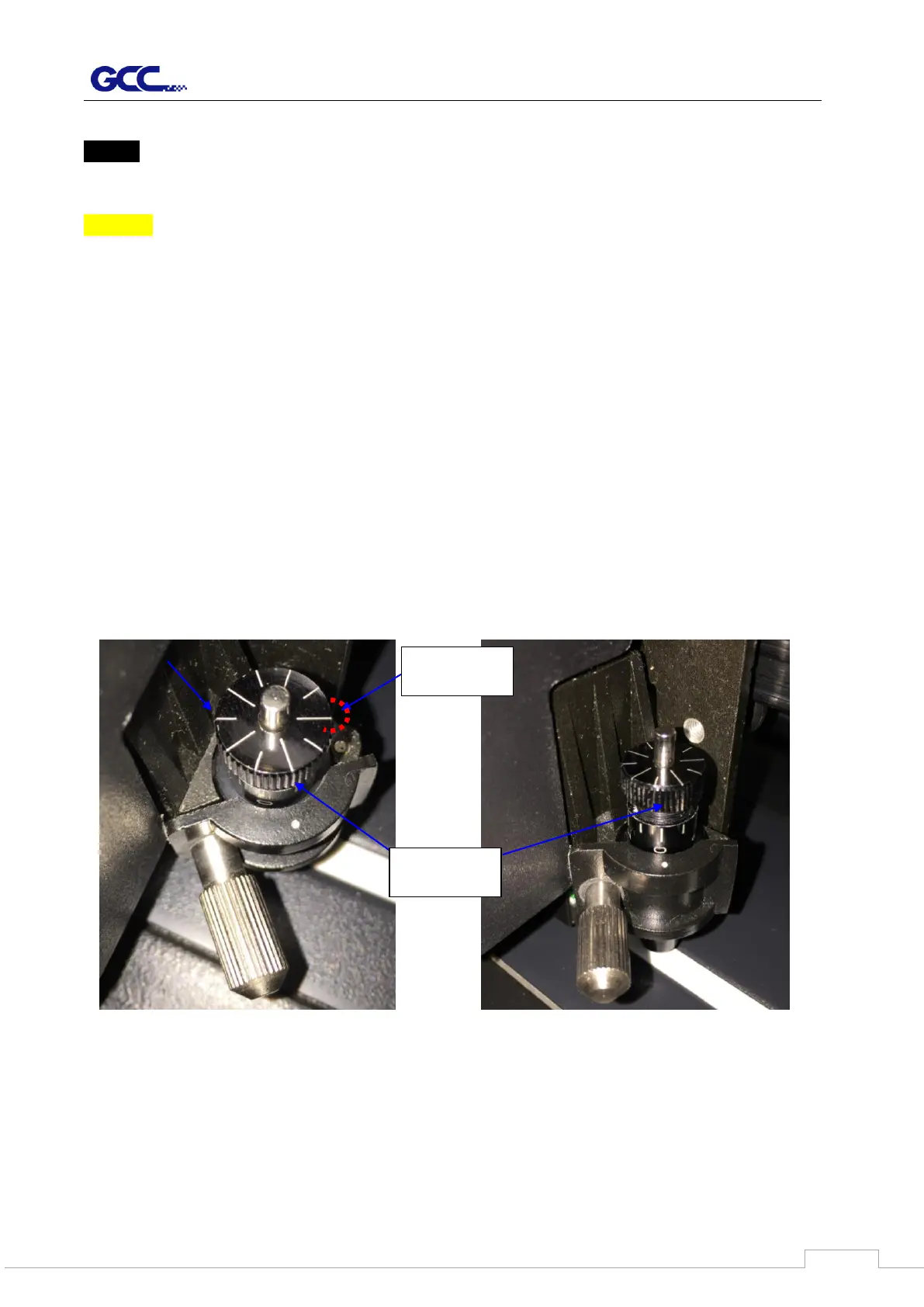
The photos show a new blade holder with a scale and a carriage with a mark. This blade
holder detects blade length automatically and shows how the knob needs to be turned on
the LCM.
There are 10 units on the scale; each unit equals to 0.05 mm, allowing you to adjust the blade
length for 0.00mm-5.00mm.
Follow the steps below to adjust the length of the blade:
1. Keep the blade tip within the blade holder before you start adjusting.



 To Next Page