AFR-24S User Manual
2.2 Auto feeder installation
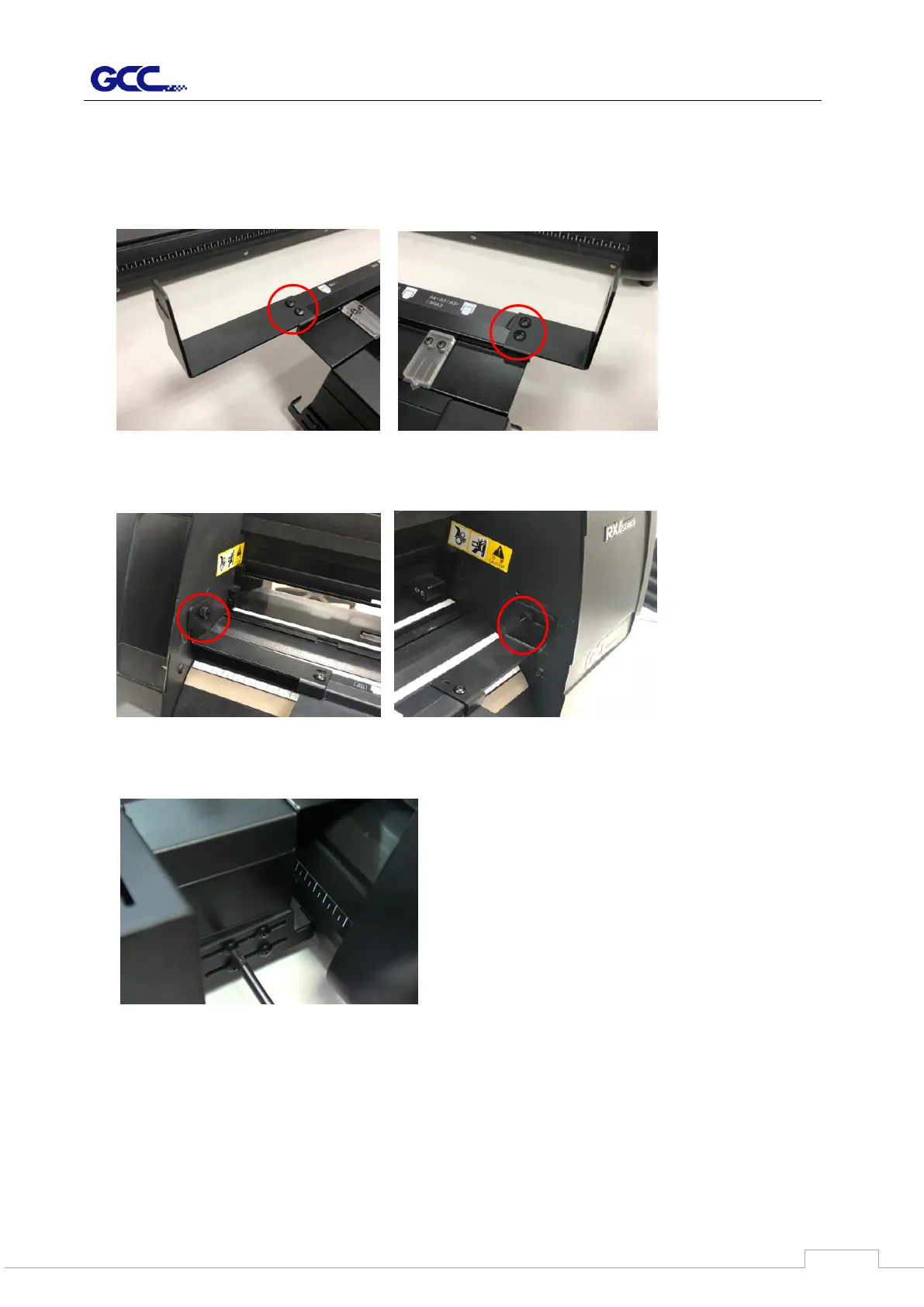
1. Assemble the right and left connecting brackets on both side of the auto feeder with
screws to fix the auto feeder to cutter.
2. Tighten the thumb screw to fix the connecting brackets to the side plate of the cutter.
3. Loose the screws on the side brackets of auto feeder.
4. Push the side brackets to closely lean against the cutter, and then tighten up the screws.



 To Next Page