AFR-24S User Manual
4.1.1 Automatic Working Procedure
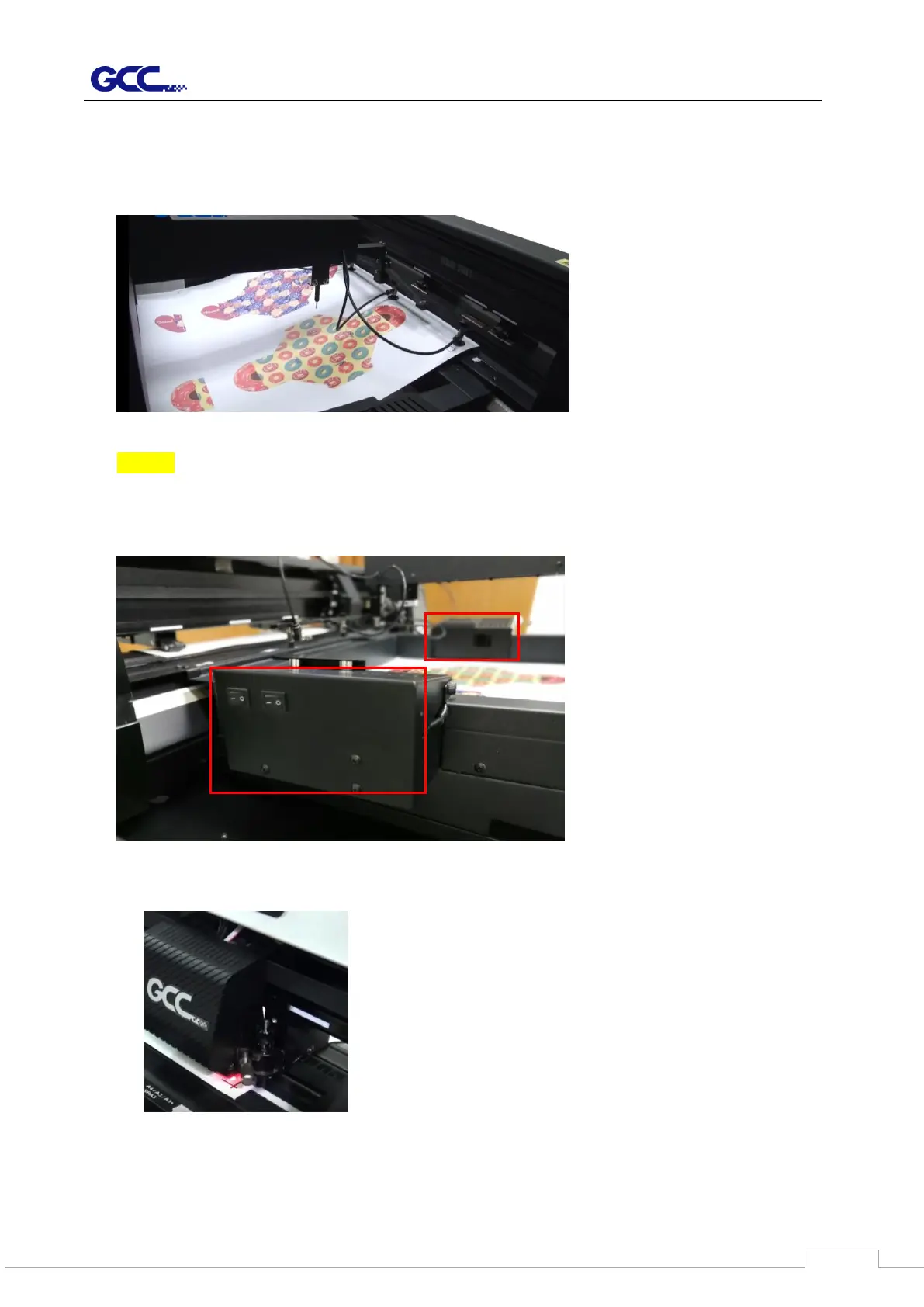
1. Pick up the media from tray to load it into the cutter
NOTE:
Blowers installed on both side of media tray will automatic turn on while the media is
ready to be picked up to separate the media. You can control the air volume by turning
off the fans according to the media type.
2. AAS II will detect the registration mark after sizing the media



 To Next Page