AFR-24S User Manual
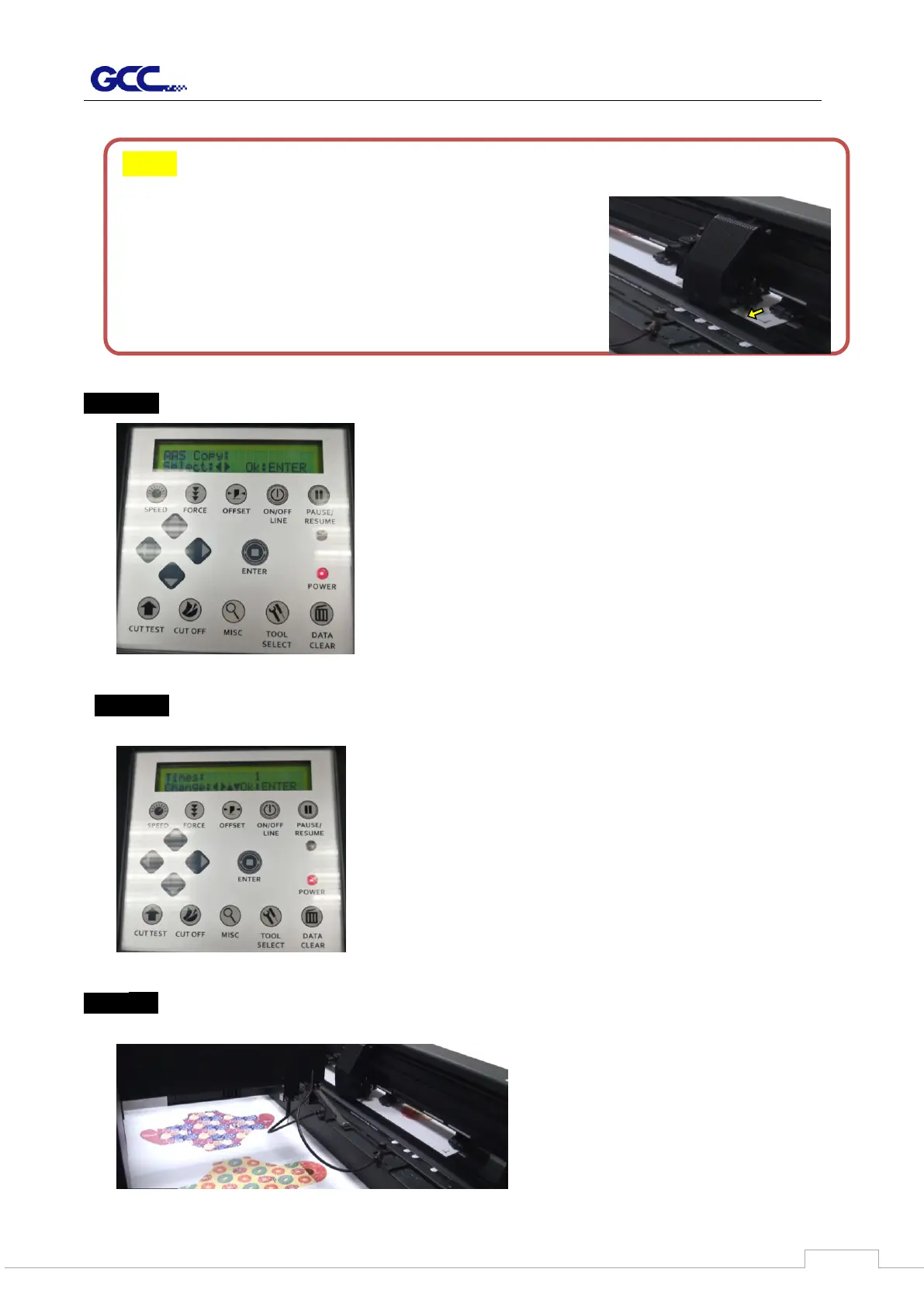
Step 10 Use arrow left/right keys to select “AAS copy” and press “ENTER” key .
Step 11 Then use arrow up/down keys to define the repeated value (value = 0~ 500) and
press “ENTER” key.
Step 11 Send the job from your computer and the cutter with feeder will perform the
automated cutting process.
Note: “Adjust paper” is to calibrate position of media front edge after sizing.
If the value of Adjust paper is bigger, the distance
of the media front edge will be closer to cutting
blade.



 To Next Page