AFR-24S User Manual
2.6 Creasing Tool Installation
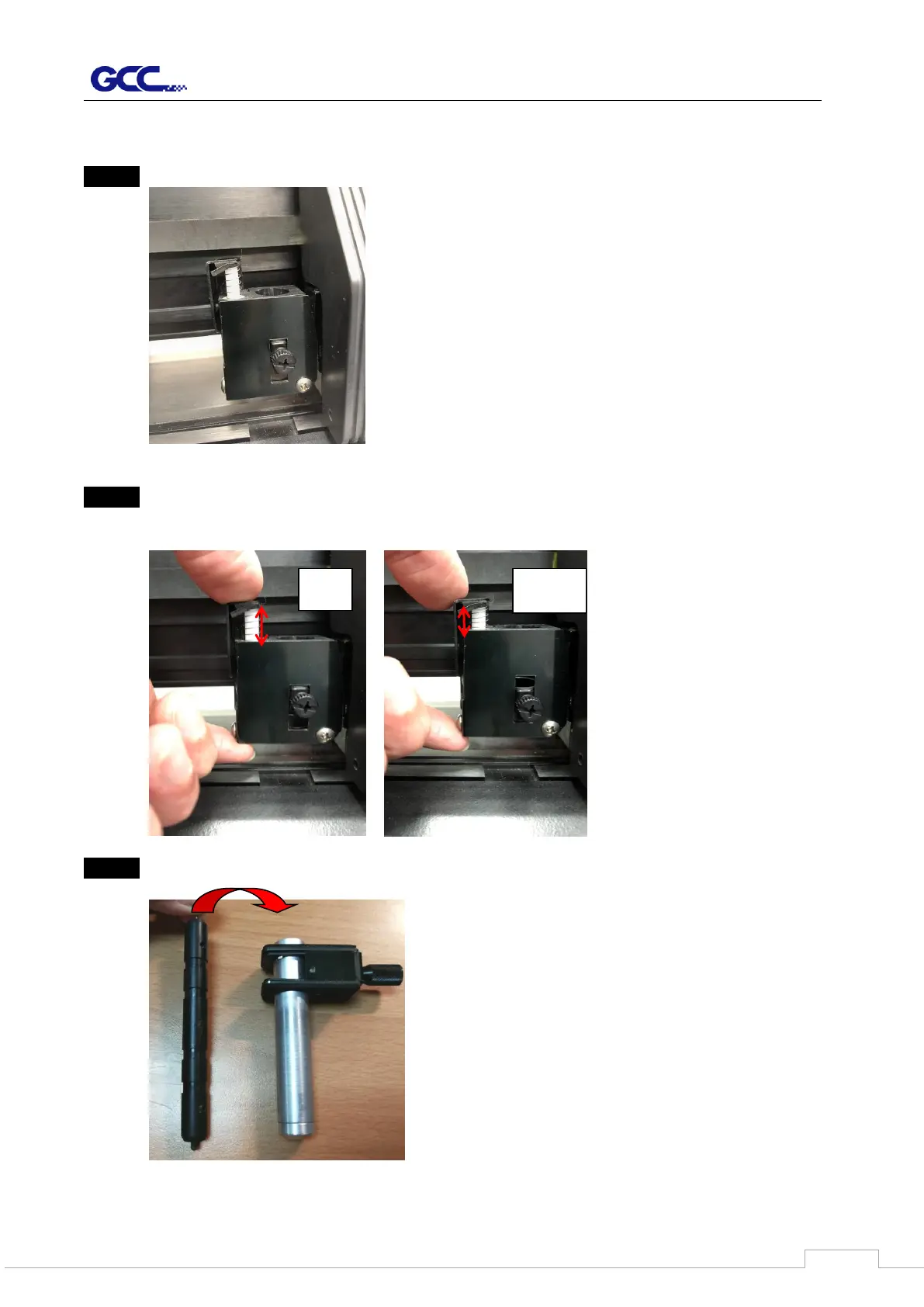
Step 1 Remove the Creasing tool and holder from the carriage.
Step 2 Make sure the cylinder is at “UP” position
Press the cylinder by hand and hold the bottom to ensure the VCM to be hold while
pressing as shown on below pictures.
Step 3 Insert the creasing tool into the holder tube



 To Next Page