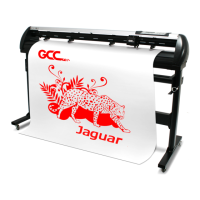
AFR-24S User Manual
II. Output through Ethernet Driver
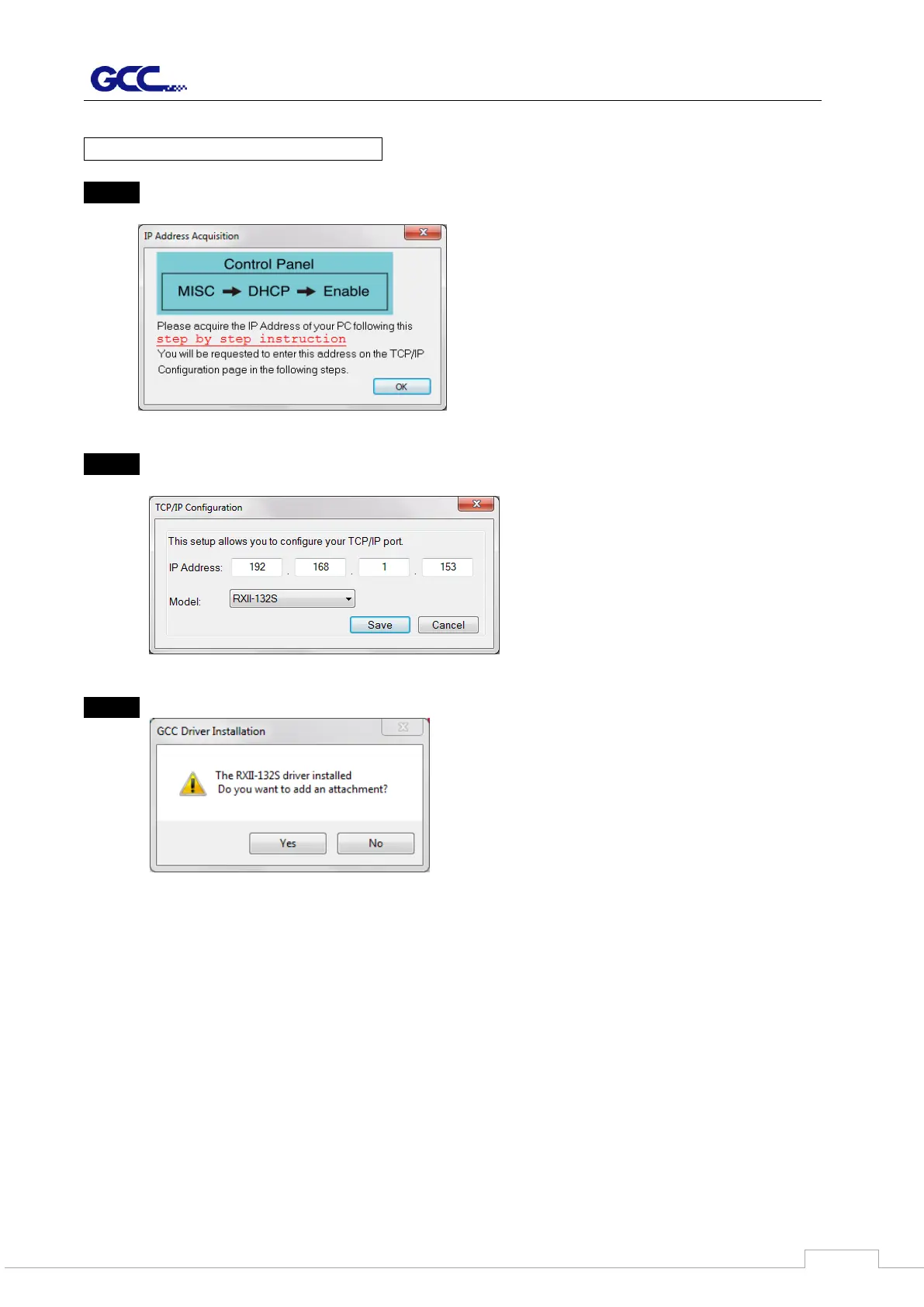
Step 1 Connect Ethernet cable to PC and install Cutter Ethernet driver. Then click OK to
continue.
Step 2 Enter the IP Address shown on the control panel and select the model. (Please refer
part 1 instruction.)
Step 3 The driver is installed. You can output from AI or CorelDRAW directly now.
2.1.4 Data Transmitting
There are two options to transmit the data from the computer to the cutting plotter:
Option 1: With proper interface settings, the data can be transmitted from your application
software package to the cutting plotters directly.
Option 2: Most cutting software packages are able to emulate HP-GL or HP-GL/2
commands. As long as the file is HP-GL or HP-GL/2 format, the cutting plotter can output the
data precisely.


 To Next Page