AFR-24S User Manual
Chapter 4 Operation
4.1 How To Load The Sheet Media Into The Auto Feeder
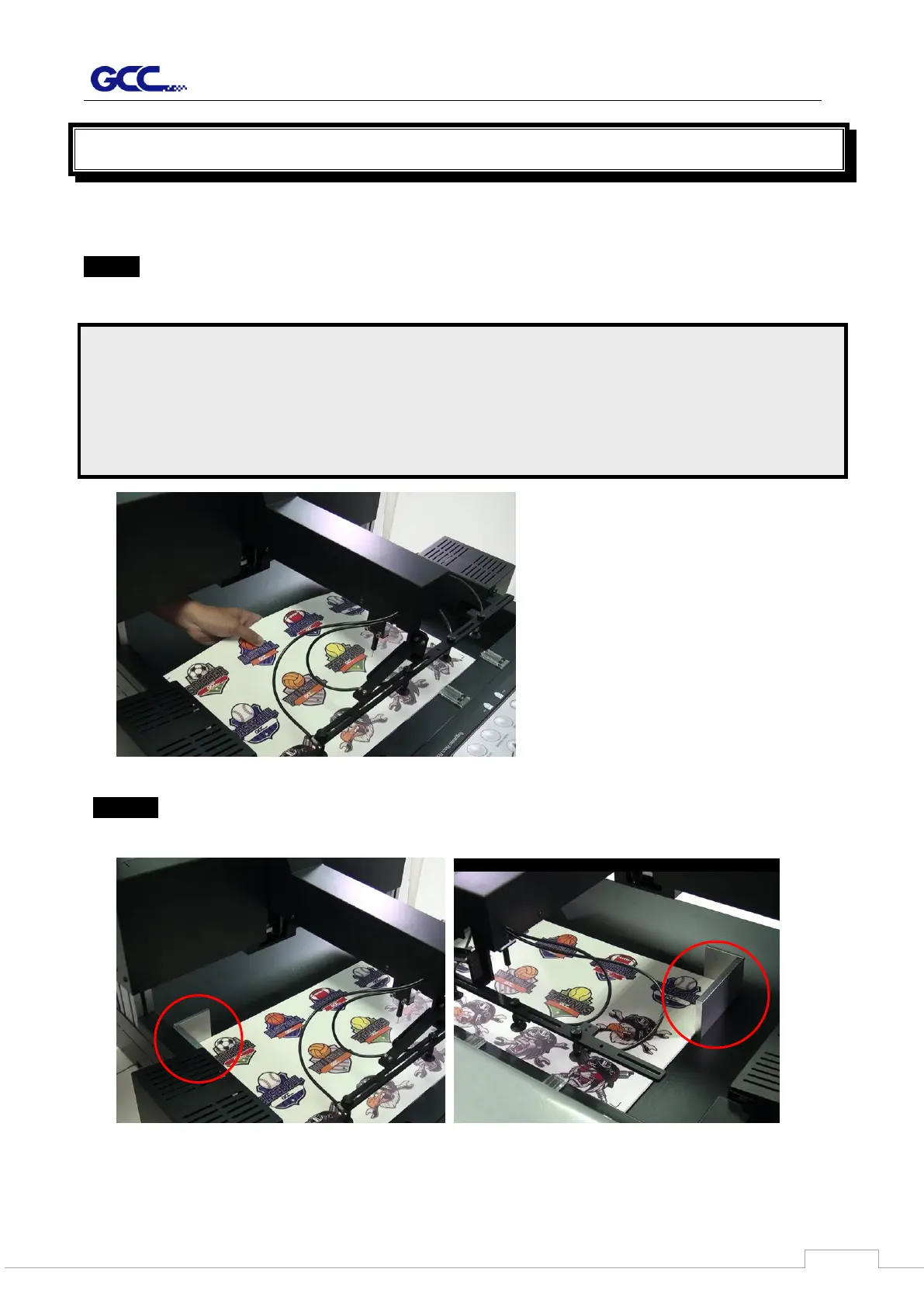
Step 1 Place the sheet media flat on the stack of the feeder and adjust the pinch roller to
proper position according the media size.
Step 2 Put the L-type media blocks to touch the rear edge of the sheet media.
NOTE :
1. Make sure the sheet media is flat to avoid any fail to load into machine for the
curved media
2. A laminated media is requested while using in the auto feeder. Otherwise, it may
probably fail to be adsorbed by suction cup due to the air leaking.



 To Next Page