AFR-24S User Manual
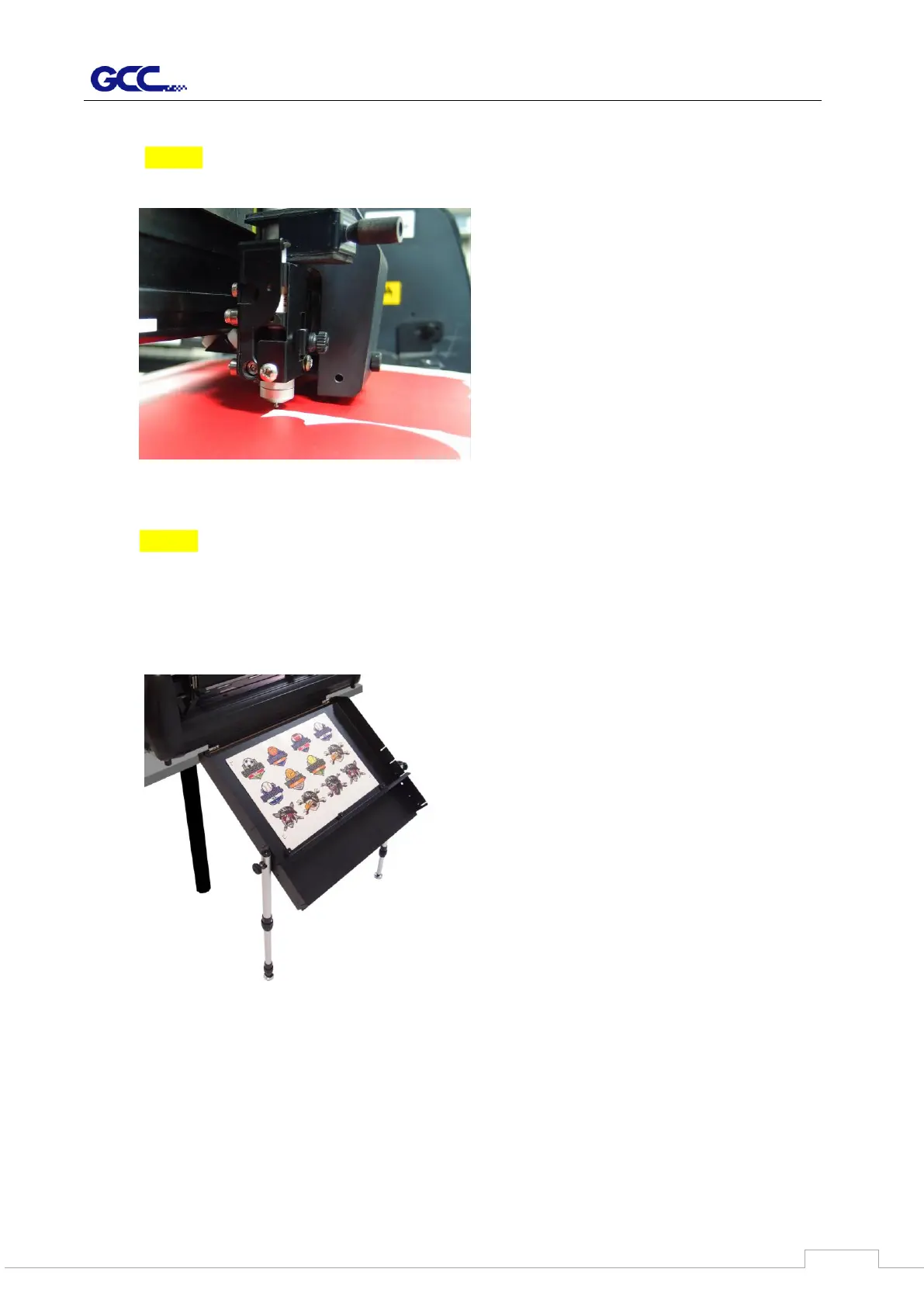
3. Start the creasing job
NOTE: Only available while you set the creasing function in software (Please refer to
4.6.2 RX II-Creasing Print Driver setting > Creasing Page) )
4. After completing the creasing, it will come to cut directly.
NOTE: It is suggested to use die cut/ kiss cut function instead of regular cutting in
order to achieve good quality output on paper box application.
5. Collecting the media once completing the job
6.



 To Next Page