RX II User Manual
GreatCut Plug-In A-6
GreatCut Plug-In Instruction
The user manual of GreatCut software is available on the GCC installation DVD.
GCC AASII System
Below is a step-by-step instruction of using the AAS function in GreatCut software through
CorelDRAW and Adobe Illustrator.
Edit your image in CorelDRAW
4-Point Positioning
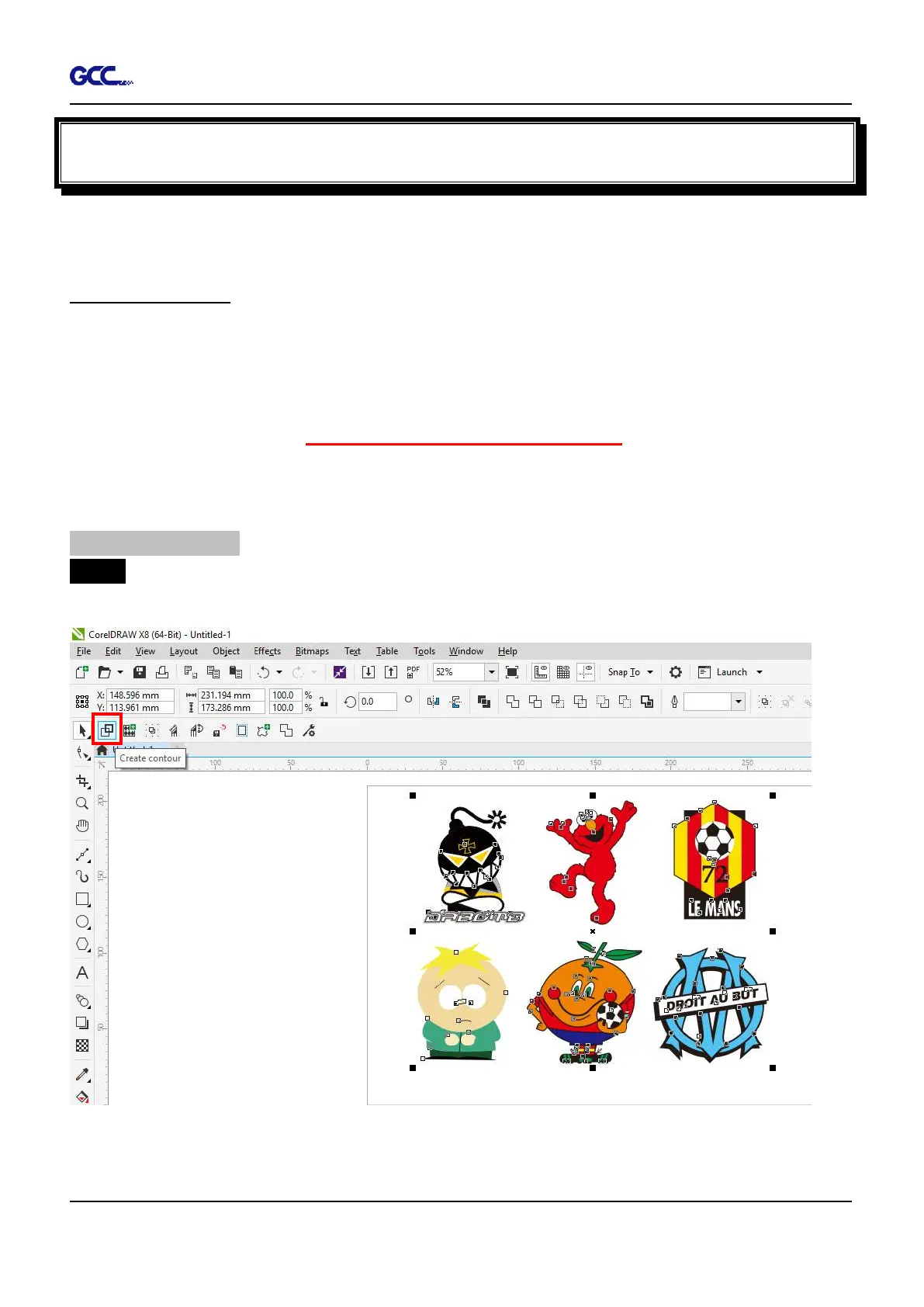
Step 1 Create a new file in CorelDRAW and click on the Create contour icon on the GreatCut
toolbar (it would appear automatically once CorelDRAW is open).



 To Next Page