AFR-24S User Manual
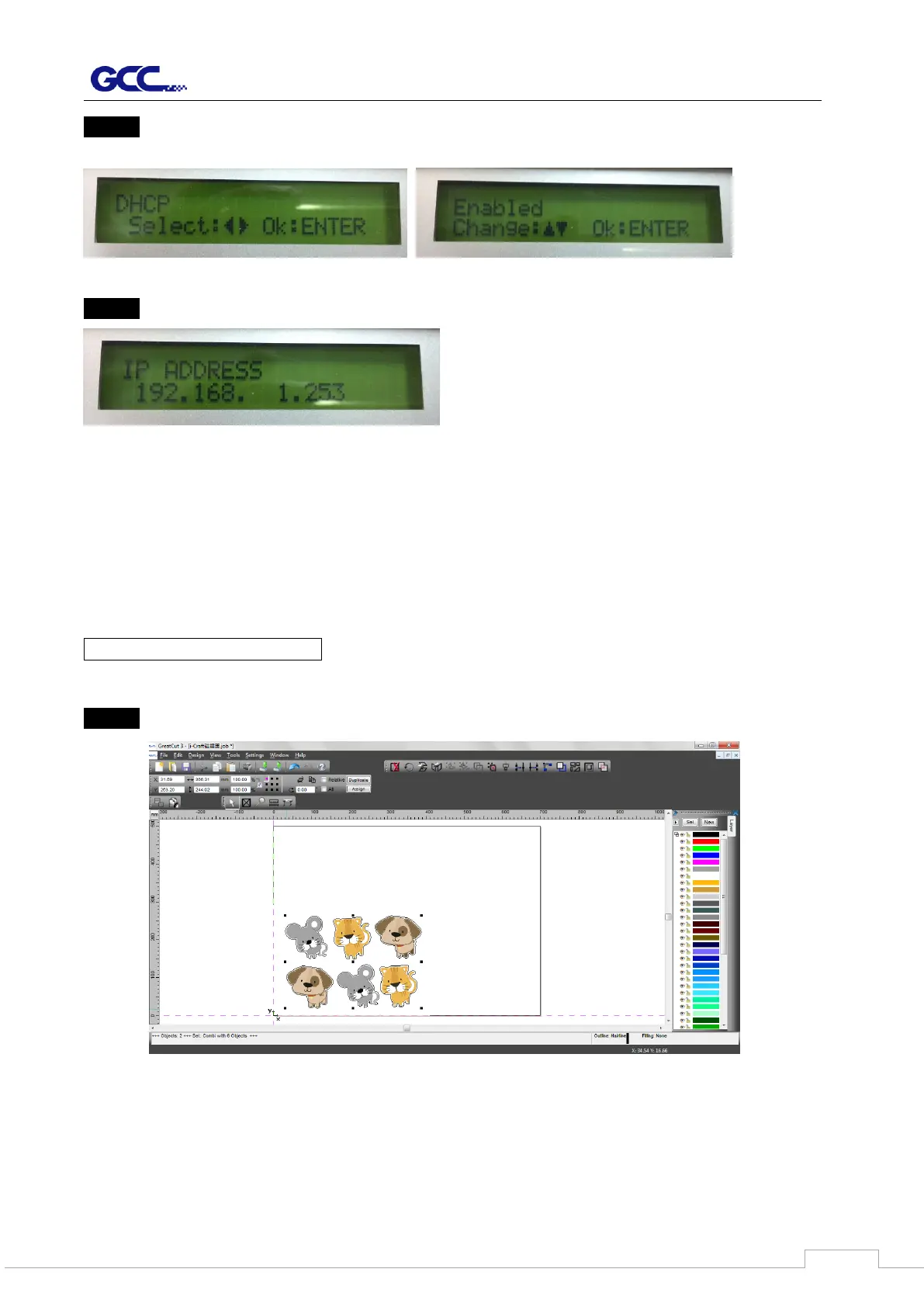
Step 3 Go to the DHCP page and select Enable through the up and down arrow keys, then
press Enter.
Step 4 The IP Address will be shown on the screen automatically. Please make notes of it.
B.) Ethernet Connectivity Setup
There are two ways to output your plot through Ethernet. If you output your plot through
GreatCut, please follow the instruction I. Output through GreatCut; if you output your plot
through Adobe Illustrator or CorelDRAW, please follow the instruction II. Output through
the Ethernet Driver.
I. Output through GreatCut
Instruction of Ethernet settings for GreatCut:
Step 1 Open GreatCut and create a new file and cutting line.



 To Next Page